EasyManua.ls Logo

La Crosse Technology WS-7159U - User Manual

La Crosse Technology WS-7159U
22 pages
Print Icon
To Next Page IconTo Next Page
Loading...
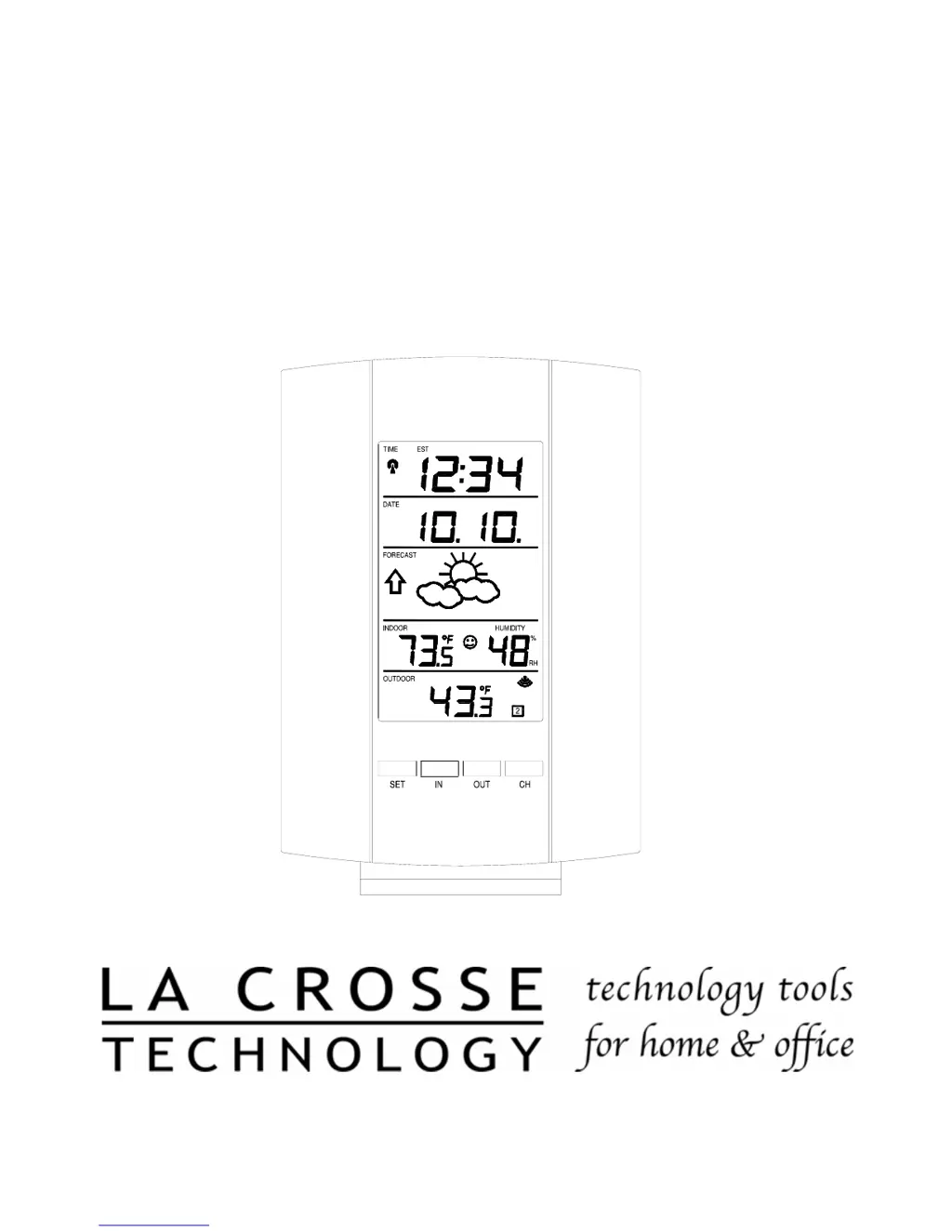
WS-7159U
Wireless 433 MHz
Radio-controlled Weather Station
Instruction Manual

Questions and Answers

  • P
    paul98Jul 31, 2025
    What to do if La Crosse Technology WS-7159U Portable Radio shows no outdoor temperature?
    • S
      Shelby SpencerJul 31, 2025
      If your La Crosse Technology Portable Radio isn't displaying the outdoor temperature: * Try removing all batteries and reinserting them, starting with the sender unit first, then the display unit. * Ensure the remote sender is placed closer to the display. * Make sure all batteries are new. * Position the Remote Control Sender and Weather Station so that the signal path doesn't go through more than two or three walls.
  • M
    Mark MasonAug 7, 2025
    Why La Crosse Technology WS-7159U not receiving WWVB time signal?
    • J
      Joshua WilliamsAug 7, 2025
      If your La Crosse Technology Portable Radio is not receiving the WWVB time signal: * Wait overnight for the signal to be received. * Ensure the Weather Station is at least 6 feet away from electrical devices like TVs, computers, or other radio-controlled clocks. * Remove the batteries for five minutes, reinsert them, and leave the unit undisturbed overnight without pressing any buttons. * If problems persist, contact La Crosse Technology.
  • J
    jnixonAug 14, 2025
    Why temperatures do not match on La Crosse Technology WS-7159U Portable Radio?
    • M
      Michelle HarveyAug 14, 2025
      Temperature readings may vary slightly between units placed next to each other because each temperature sensor is manufactured to be accurate to within 1 degree plus or minus under normal conditions, so two sensors could differ by as much as 2 degrees. Also, the sensors are designed for different working environments, which can exaggerate the difference.
  • K
    Kenneth JenkinsAug 22, 2025
    How to fix faint LCD on La Crosse Technology WS-7159U?
    • P
      Peggy BergAug 22, 2025
      If the LCD on your La Crosse Technology Portable Radio is faint: * Try increasing the LCD contrast to a higher number. * Replace the batteries.

Summary

Quick Set-Up Guide

Initial Setup Steps

Basic instructions for placing units, installing batteries, and initial pairing.

Detailed Set-Up Guide

Battery Installation

Program Mode Operations

Time Zone and DST Settings

Setting the Time Zone

Procedure for selecting the correct time zone based on location.

Time Format and Synchronization

WWVB Time Synchronization

Automatic time setting via radio signal, including reception conditions.

Manual Time and Date Setting

Manual Time Setting

Step-by-step guide for manually adjusting hours and minutes.

Weather Forecast Features

Indoor Environment Monitoring

Indoor Temperature and Humidity

Reading current indoor temperature and relative humidity displayed on the LCD.

Outdoor Temperature Features

Adding Multiple Remote Sensors

Mounting the Remote Sensor

Mounting the Indoor Station

Troubleshooting Guide

No WWVB Time Signal

Solutions for issues with receiving the radio-controlled time signal.

Incorrect Time or Readings

Addresses problems like incorrect hour, faint LCD, or missing outdoor temperature.

La Crosse Technology WS-7159U Specifications

General IconGeneral
ModelWS-7159U
BrandLa Crosse Technology
Display TypeLCD
Alarm ClockYes
BacklightYes
Sensor Transmission Frequency433 MHz
Atomic TimeYes
Indoor Humidity Range1% to 99% RH
Outdoor Humidity Range1% to 99% RH
AlertsTemperature