21
CONTROL PANEL: (Con’t)
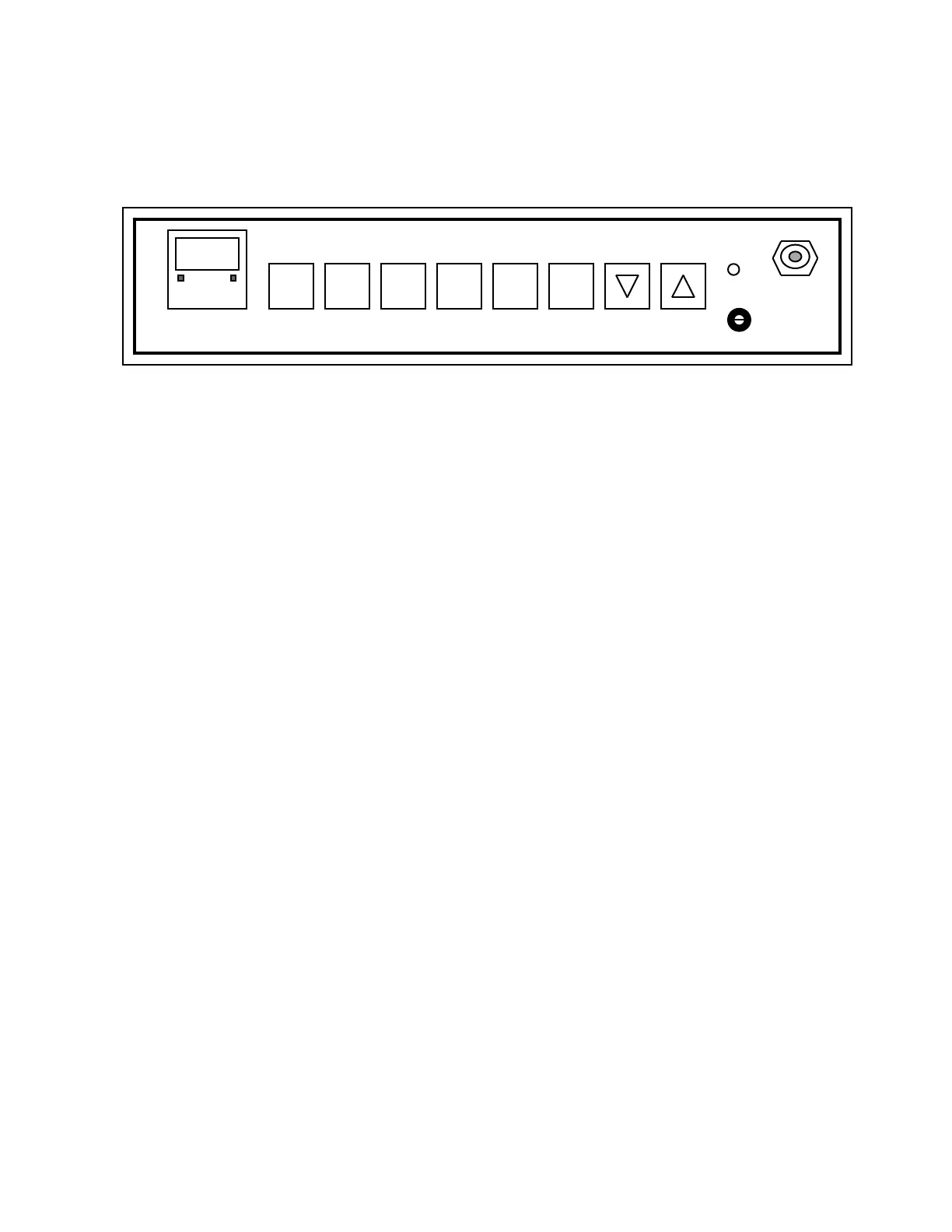
SET CAL CO2 TEMP DOOR SCAN
ºC %CO2 HEAT HOLD HI LIMIT SAMPLE
1 2 3 4 (5) (6)
PROPER SEQUENCING IMPORTANT IN OPERATING COMMAND KEYS:
To enter commands correctly, it is important to press the keys in
SEQUENCE. Do not hold down one key and press another key—the action will
not be accepted by the system. The following is the proper sequence in which to
press the keys for the indicated actions:
SET(#1), TEMP(#4): View existing value, retain or change set point using Up
and Down keys.
SET(#1), CO2 (#3): View existing value, retain or change set point using Up
and Down keys.
SET(#1), View existing value, retain or change set point using Up
DOOR HEAT(#5): and Down keys.
CAL(#2), TEMP(#4): Calibrate temperature using Up and Down keys.
CAL(#2), CO2 (#3): Calibrate carbon dioxide using Up and Down keys.
CO2 (#3), CAL(#2), Install password using Up and Down keys.
SET(#1):
TEMP(#4), CAL(#2): Disable password using Up and Down keys
SET(#1):
SCAN/HOLD(#6): Each individual contact of key advances to one of 3 options:
A) continuous viewing of temperature; B) continuous
viewing of carbon dioxide; C) an alternating viewing of the
two.
FEATURES: (Con’t)


 To Next Page
 Loading...