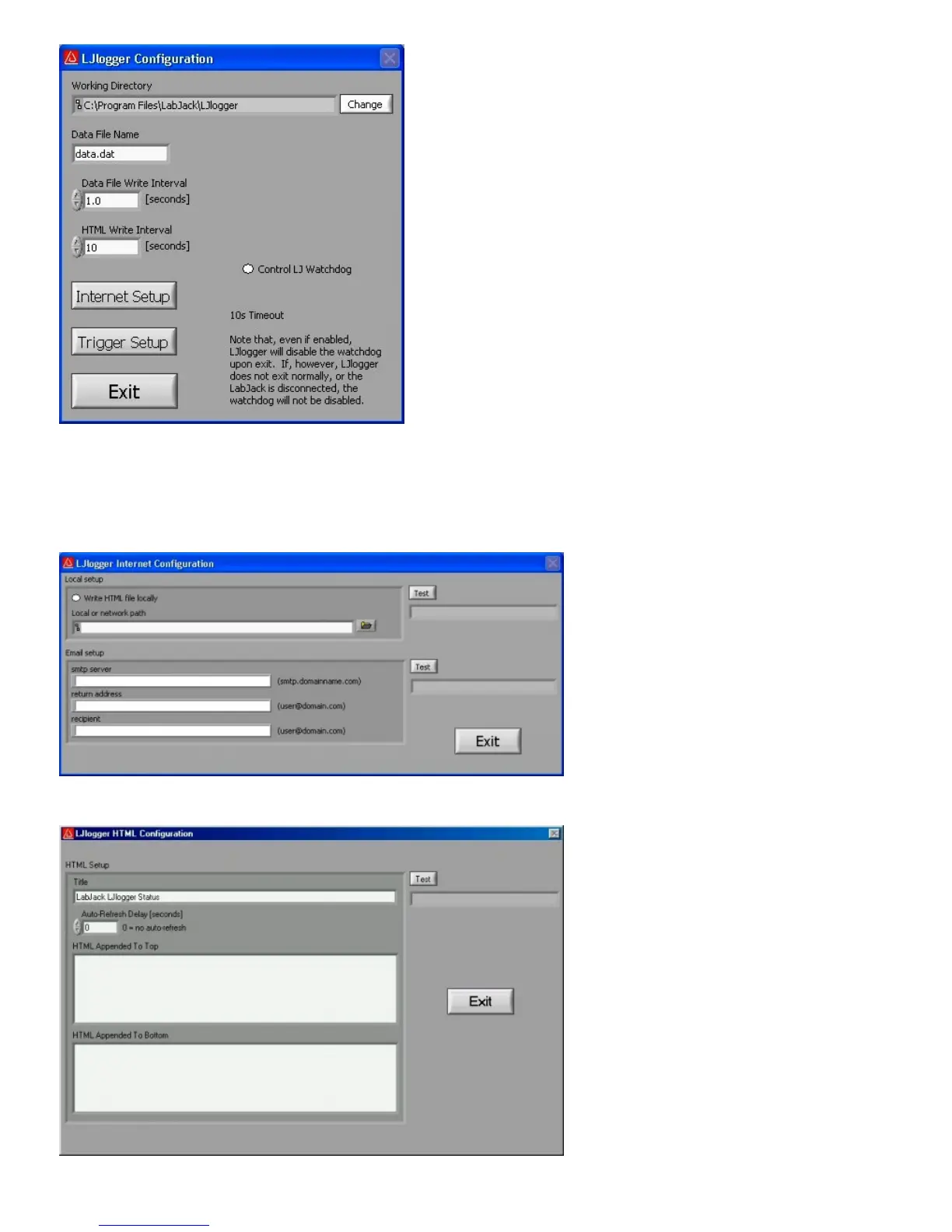
Figure 3-6. LJlogger Configuration
Clicking on the “Internet Setup” button in Figure 3-6 brings up the Internet configuration window shown in Figure 3-7. Basic
customization of the HTML file can be done by clicking on “Advanced HTML Configuration” which brings up Figure 3-8.
Clicking on the “Trigger Setup” button in Figure 3-6 brings up the window shown in Figure 3-9.
Figure 3-7. LJlogger Internet Configuration


 To Next Page