Quick Start
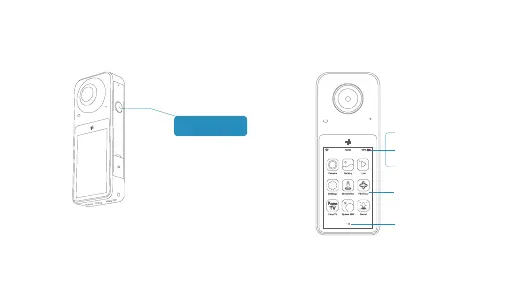
Power on/Power off Features(Interface)
1. When PilotPano is powered off, press and hold the power
button for 3s to power on.
2. When PilotPano is powered on, press the power button for
1s to set the screen on or screen off.
3. When PilotPano is powered on,press and hold the power
button for 3s, select power off to turn off the camera.
Connected WiFi
Date/Time
Remaining battery
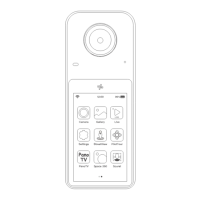
Tap on an app icon
to open the app.
Swipe left or right
to switch between
apps.
Power button
LIVE


 To Next Page