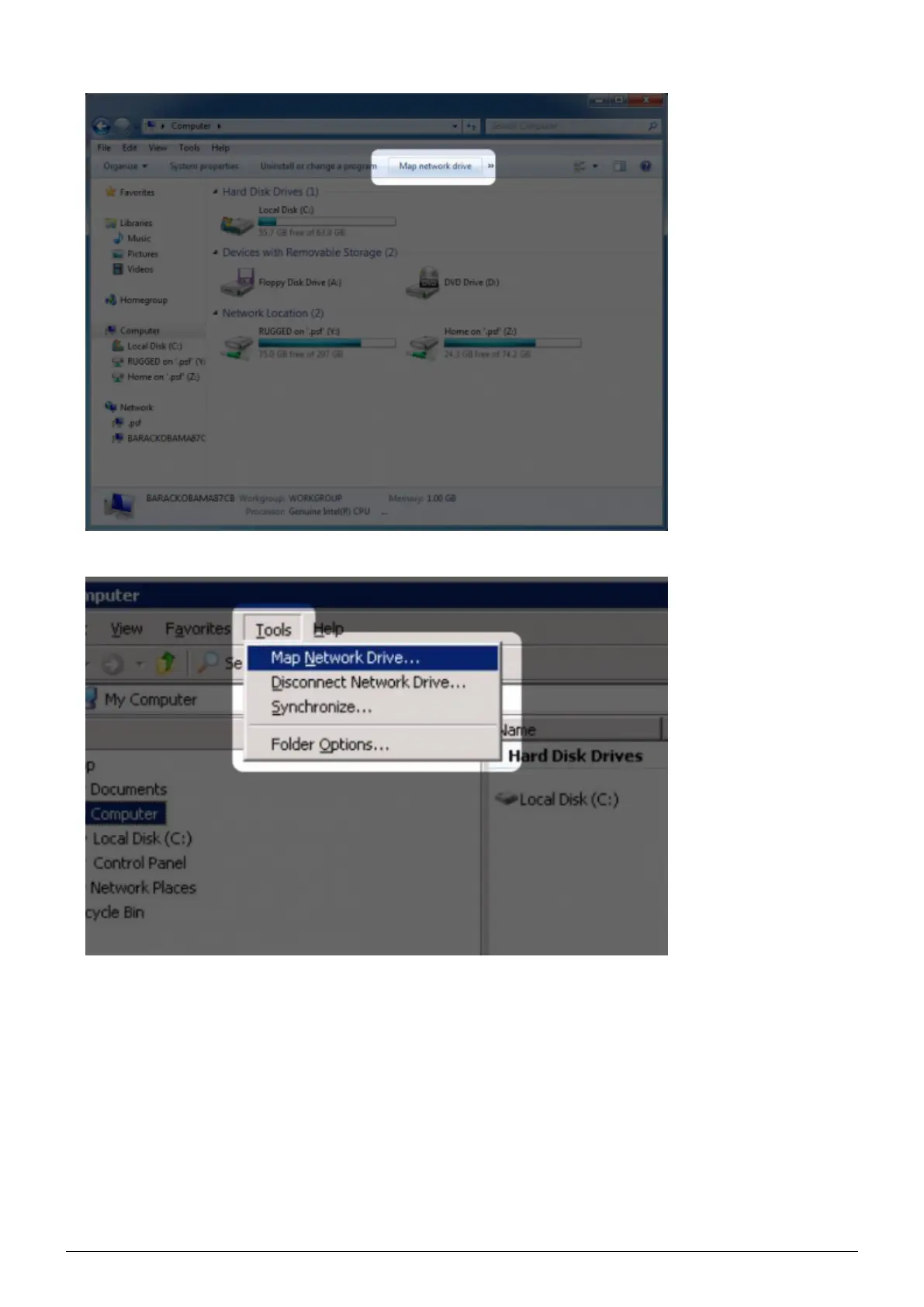
Browse to and select the device you wish to auto mount.2.
Windows will offer the option to mount the device each time you log on to the computer.3.
Repeat steps 1-3 for other devices.4.
Mac Users
Open a new Finder window. On the left of the window, navigate to Shared > LaPlug > [device name]. If1.
prompted, type in your username and password and click Connect.
Repeat step 1 for each device.2.
To mount the device automatically each time you log on to you computer:3.
From the Apple icon in the menu bar, select System Preferences > Accounts > Login Items.1.
LaPlug User Manual LaCie 35


 To Next Page