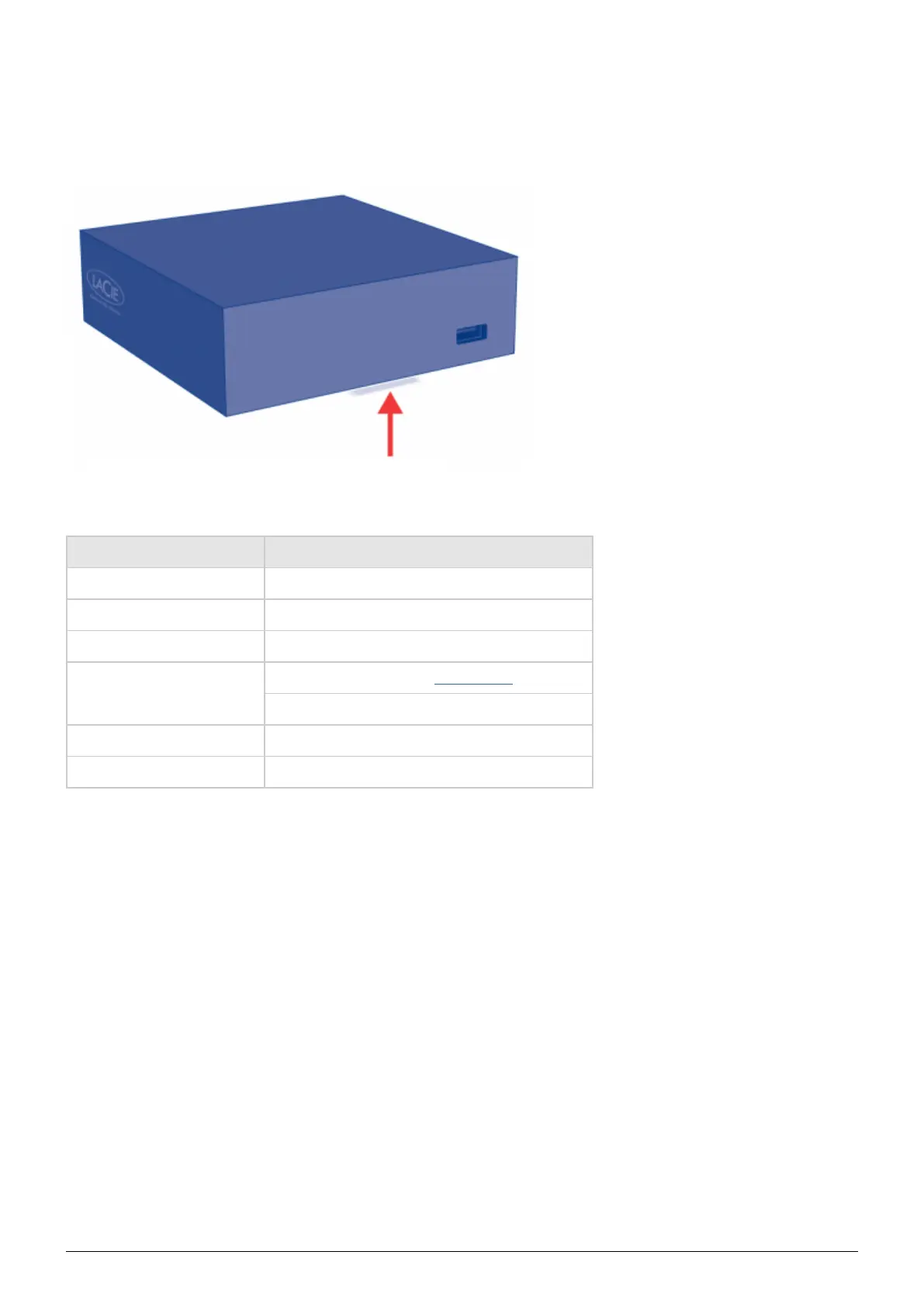
LED BEHAVIOR
The front LED changes to indicate different drive behavior. The following table sums up these behaviors.
State Indication
Solid blue Product is idle
Slow blinking blue Product is starting up
Solid red System is shutting down
Slow blinking red
USB power failure (see Installation)
Firmware upgrade failure
Slow blinking blue and red WiFi enabled but not connected to a network
Fast blinking blue and red Firmware upgrade in process
LaPlug User Manual LaCie 4


 To Next Page