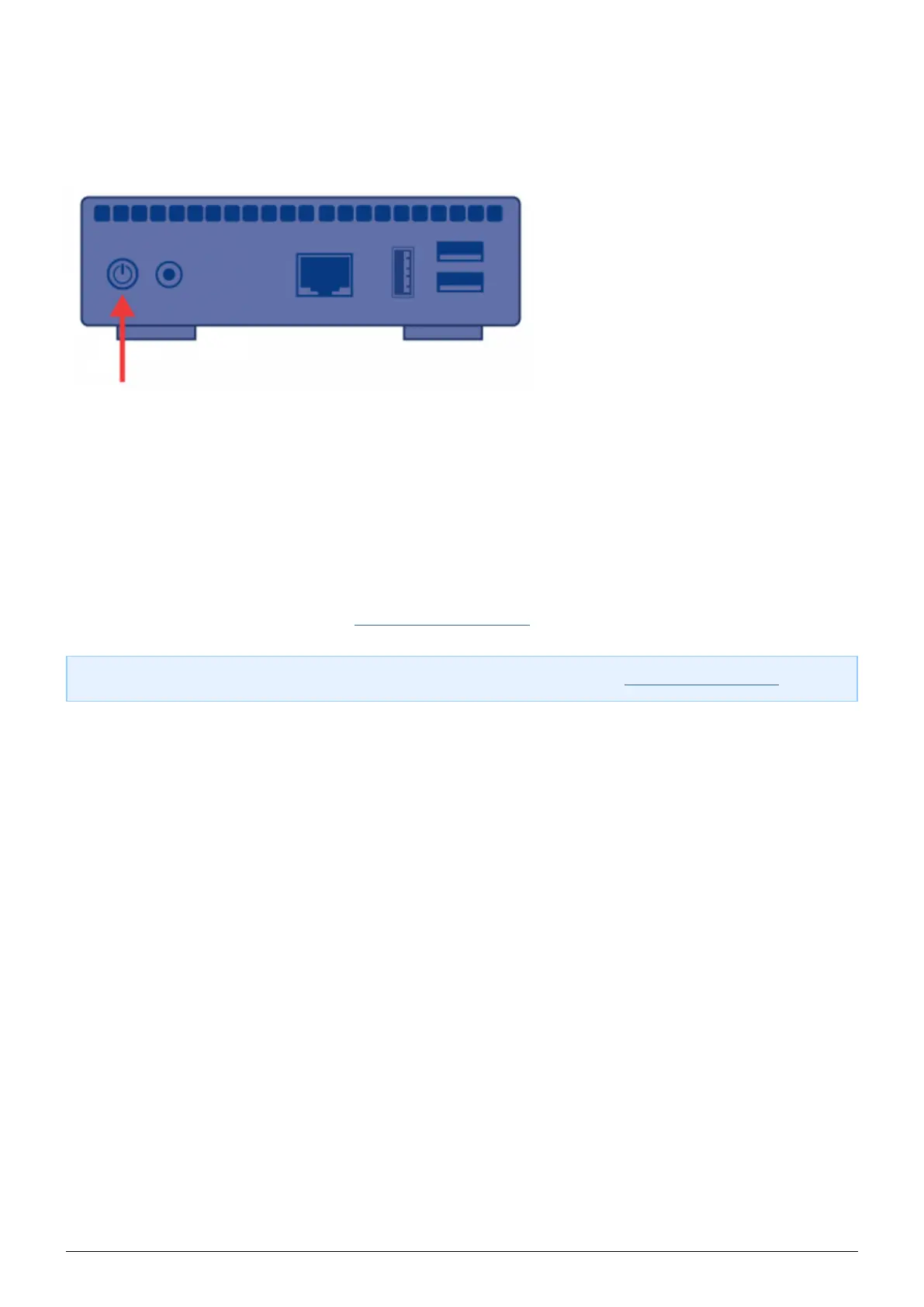
POWER BUTTON FUNCTIONS
Turn the product on: Push the power button until the front LED turns blue. Release the button and the LED
■
will flash blue. Then the product will boot, which may take up to two minutes. When the light becomes steady
blue, the product is ready to use.
Turn the product off: Press and hold the power button until the light slowly flashes blue. The product will
■
then:
Stop file transfers
■
Unmount volumes
■
Shut down
■
Restore Default Configuration: See Update Product Software.
■
Note: Another way to turn the product on or off is to use the Dashboard (see Administer the LaPlug).
LaPlug User Manual LaCie 5


 To Next Page