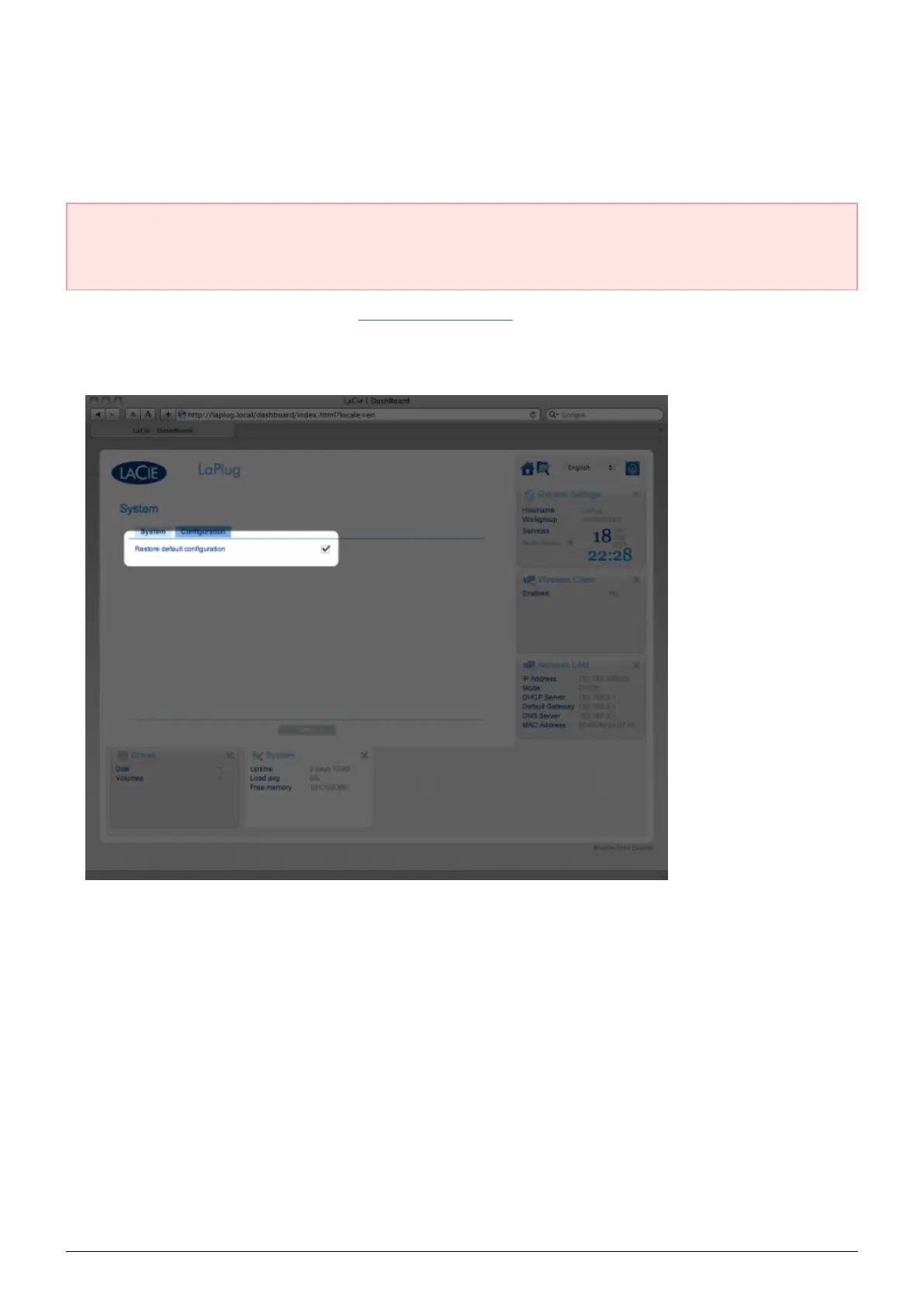
RESTORE DEFAULT CONFIGURATION
This process will revert the LaPlug to its factory settings but will not change the product software version.
Caution: Resetting the product will erase all Dashboard data such as network configuration, machine name,
and other user-generated settings. It will not change the product software version or erase files saved to
attached USB hard drives.
Launch the Dashboard as described in Administer the LaPlug and navigate to the System page.1.
Click the System tab.2.
Check the Restore default Configuration check box.3.
Click the Apply button.4.
Confirm in the popup window. The LaPlug will reboot automatically.5.
LaPlug User Manual LaCie 44


 To Next Page