EasyManua.ls Logo

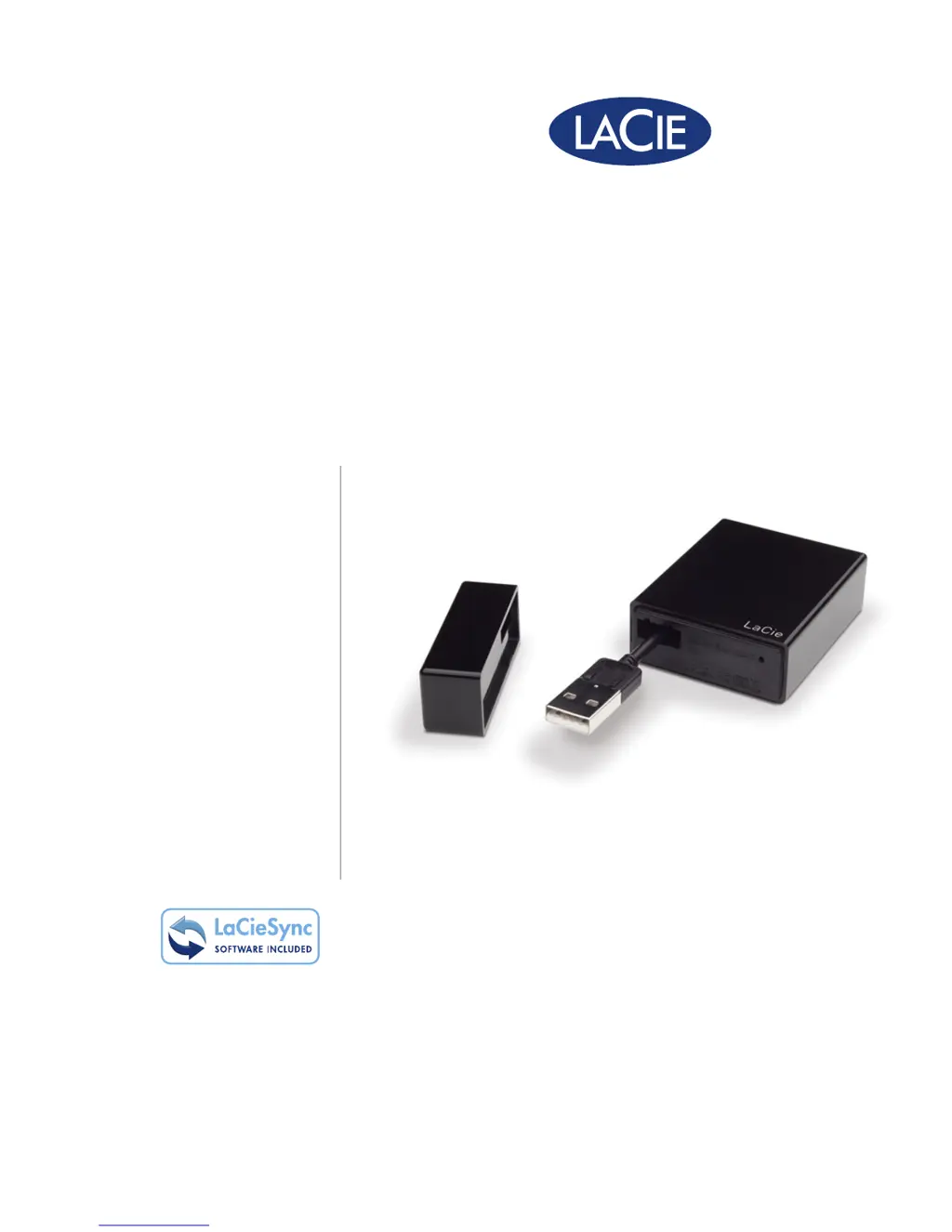
LaCie LITTLE DISK USB 2.0 - User Manual

LaCie LITTLE DISK USB 2.0
23 pages
Print Icon
To Next Page IconTo Next Page
Loading...
用户手册
manual de instrucciones
guída utente
handbuch
gebruikershandleiding
manuel utilisateur
user manual
용자 설명서
little disk
Hi-Speed USB 2.0

Questions and Answers

  • G
    Garrett HooverJul 27, 2025
    Why is my LaCie LITTLE DISK USB 2.0 drive not recognized by my computer?
    • B
      brooke79Jul 27, 2025
      If your LaCie Storage drive isn't recognized, several factors could be at play. First, ensure the drive is getting enough power by checking the USB connection and confirming your computer meets the minimum system requirements. If power isn't the issue, open Apple System Profiler (Hardware list > USB) to see if your device is listed. If not, recheck the cables. Also, ensure the drive has been formatted correctly and that your computer's operating system supports the file system. For further assistance, try the other troubleshooting tips.
  • K
    Kaylee WigginsAug 9, 2025
    Why is my LaCie LITTLE DISK USB 2.0 Storage drive not running faster with USB 2.0?
    • H
      Harold DrakeAug 9, 2025
      If your LaCie Storage drive isn't running faster via Hi-Speed USB 2.0, it could be connected to a USB 1.1 port or hub, which is normal. Otherwise, check that the Hi-Speed USB 2.0 drivers for your host bus adapter and device are correctly installed. Also, verify that your computer and operating system support Hi-Speed USB 2.0.

Summary

Health and Safety Precautions

General Use Precautions

Introduction to the LaCie Hard Drive

Box Content

Lists the items included in the LaCie Little Disk package.

Minimum System Requirements

Details the hardware and software specifications needed to use the LaCie Hard Disk.

Getting Connected

Connecting the Little Disk to Your Computer

Step-by-step guide for connecting the LaCie Little Disk to a computer's USB port.

Installing the Pre-loaded Software

Guide on how to install the backup and utility software included with the LaCie Hard Disk.

Disconnecting Your LaCie Hard Drive

Procedure for safely disconnecting the LaCie Hard Disk from your computer to prevent data loss.

Formatting and Partitioning

Formatting for Windows Users

Step-by-step guide for formatting the LaCie Hard Disk on Windows operating systems.

Formatting for Mac Users

Step-by-step guide for formatting the LaCie Hard Disk on Mac OS X operating systems.

Interface and Data Transfer Information

USB 2.0 Connection

Explanation of the USB 2.0 connection standard and its implications for the LaCie Hard Disk.

Data Transfers

Details on the process of transferring data to and from the LaCie Hard Disk.

Troubleshooting

Mac Users

Troubleshooting steps specifically for users of Mac operating systems.

Windows Users

Troubleshooting steps specifically for users of Windows operating systems.

Contacting Customer Support

LaCie Technical Support Contacts

Provides a list of contact details and websites for LaCie technical support in various regions.

Warranty Information

LaCie LITTLE DISK USB 2.0 Specifications

General IconGeneral
BrandLaCie
ModelLITTLE DISK USB 2.0
CategoryStorage
LanguageEnglish

Related product manuals