35
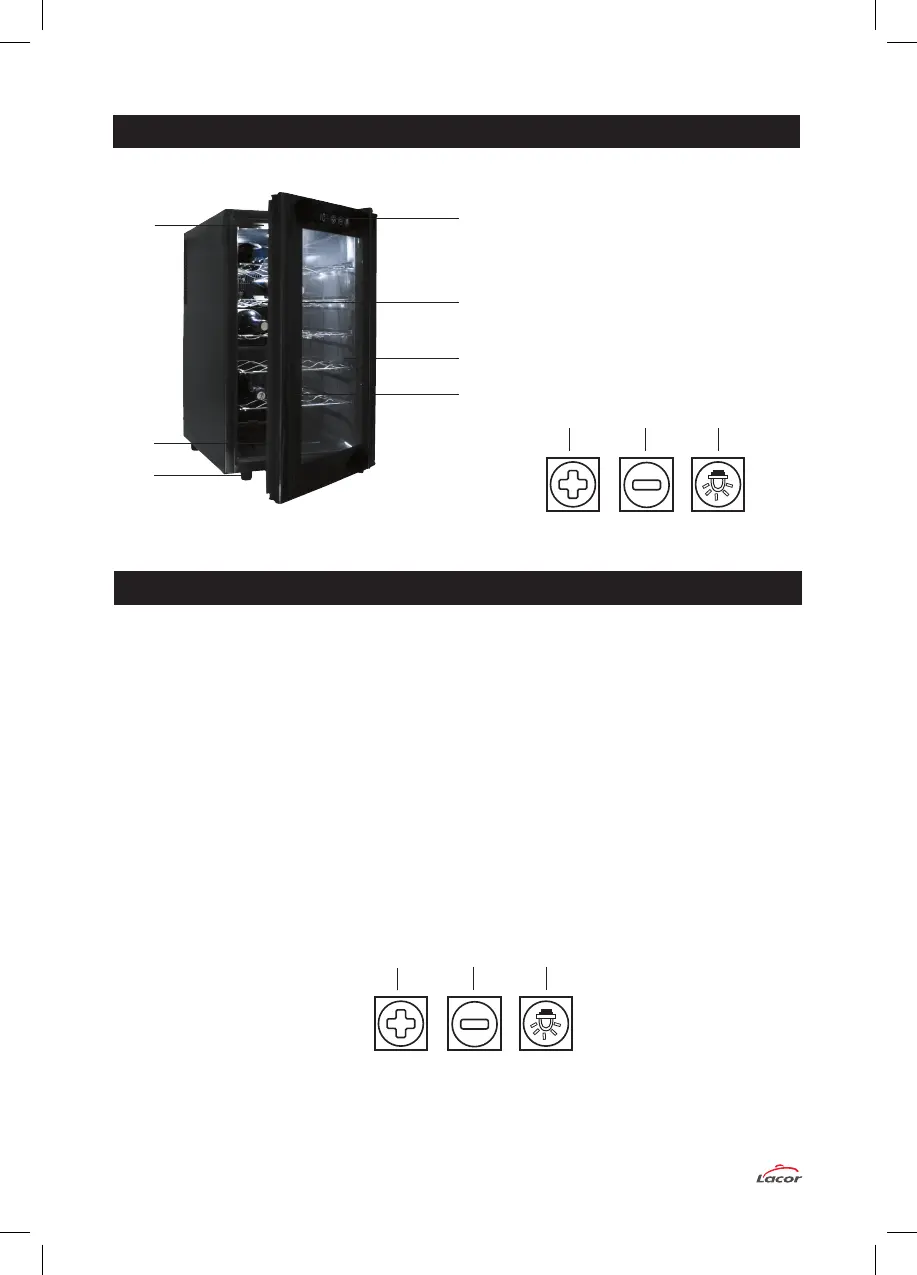
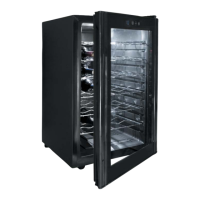
1.- Temperature touch control (+)
2.- Temperature touch control (-)
3.- Light control (ON/OFF)
4.- Temperature display
5.- Light (interior)
6.- Bottle rack
7.- Levelling feet
8. Magnetic door gasket
9.- Glass
10.- Door frame
9
10
6
7
8
5
4
1.- Insert the power plug into the power socket. Make sure the power socket is 220/240V- AC/50 Hz.
2.- Allow the empty wine cooler to operate for approx. one hour. This will allow the wine cooler
to reach the desired temperature.
3.- Fill the refrigerator cabinet with a selection of wines. Wait 1-2 hours until they reach the desired
temperature.
4.- The touch buttons located on the front glass door control the interior light and temperature.
5.- Touching icon 1 or 2, the displayed temperature starts blinking, select temperature touching
icons 1 and 2. Once the temperature is set, the display will stop blinking and show the
refrigerator cabinet’s interior temperature.
The temperature will slowly reach the selected level.
6.- In order to turn on/off the interior light, touch icon 3.
1
2 3
1
2 3
PARTS LIST
OPERATION


 To Next Page