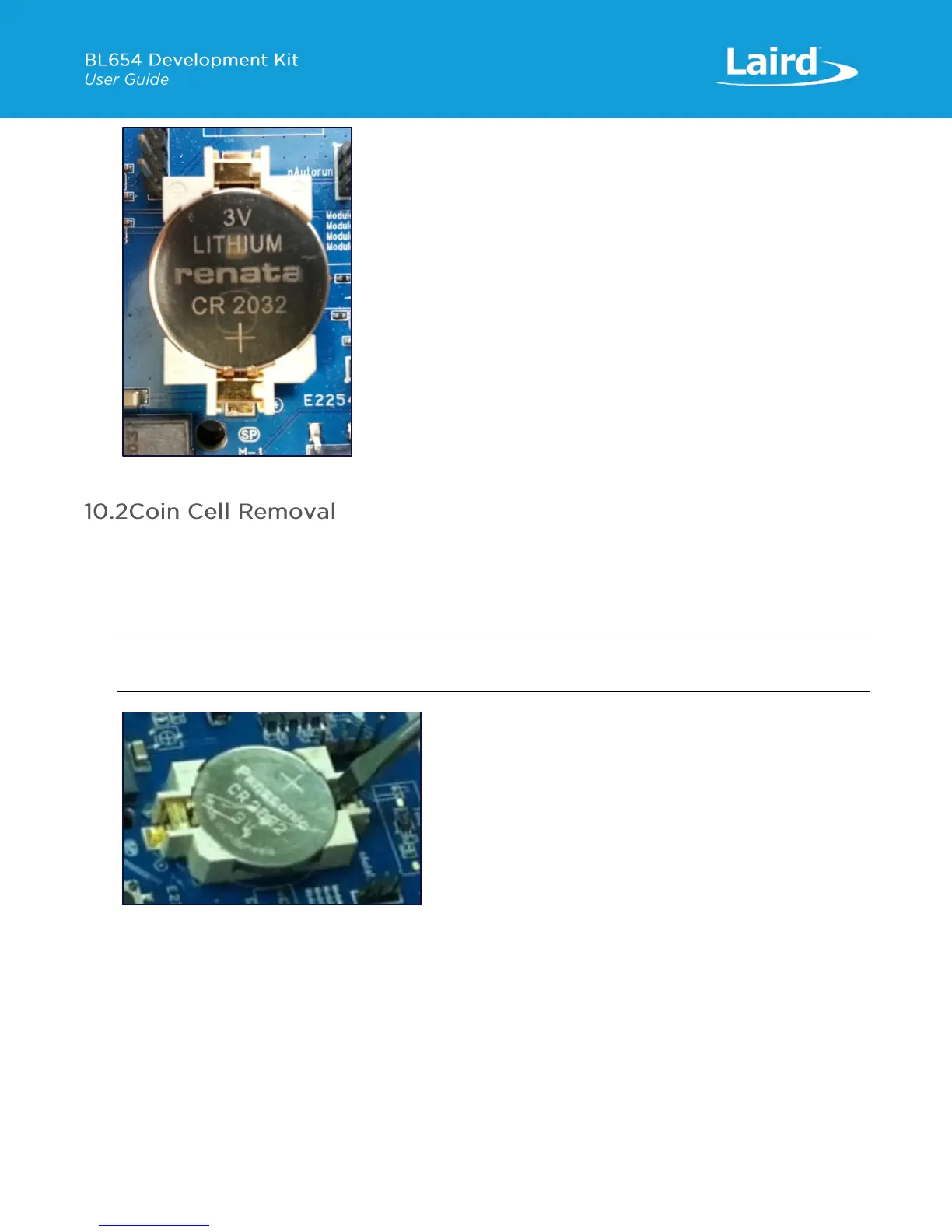
Figure 23: Inserting the coin cell (step 2)
To remove the coin cell, follow these steps:
1. Hold down the coin cell holder (J34) at the corners.
2. Use a screwdriver in the position shown in picture below, to gently remove the coin cell from the coin cell holder (J34).
This is the correct method to remove coin-cell from holder (J34).
Note: Due to tight fit of coin cell in the coin-cell holder (J34), care should be taken prevent damage to the J34
land pads.
Figure 24: Removing the coin cell (step 2)


 To Next Page