- 7 -
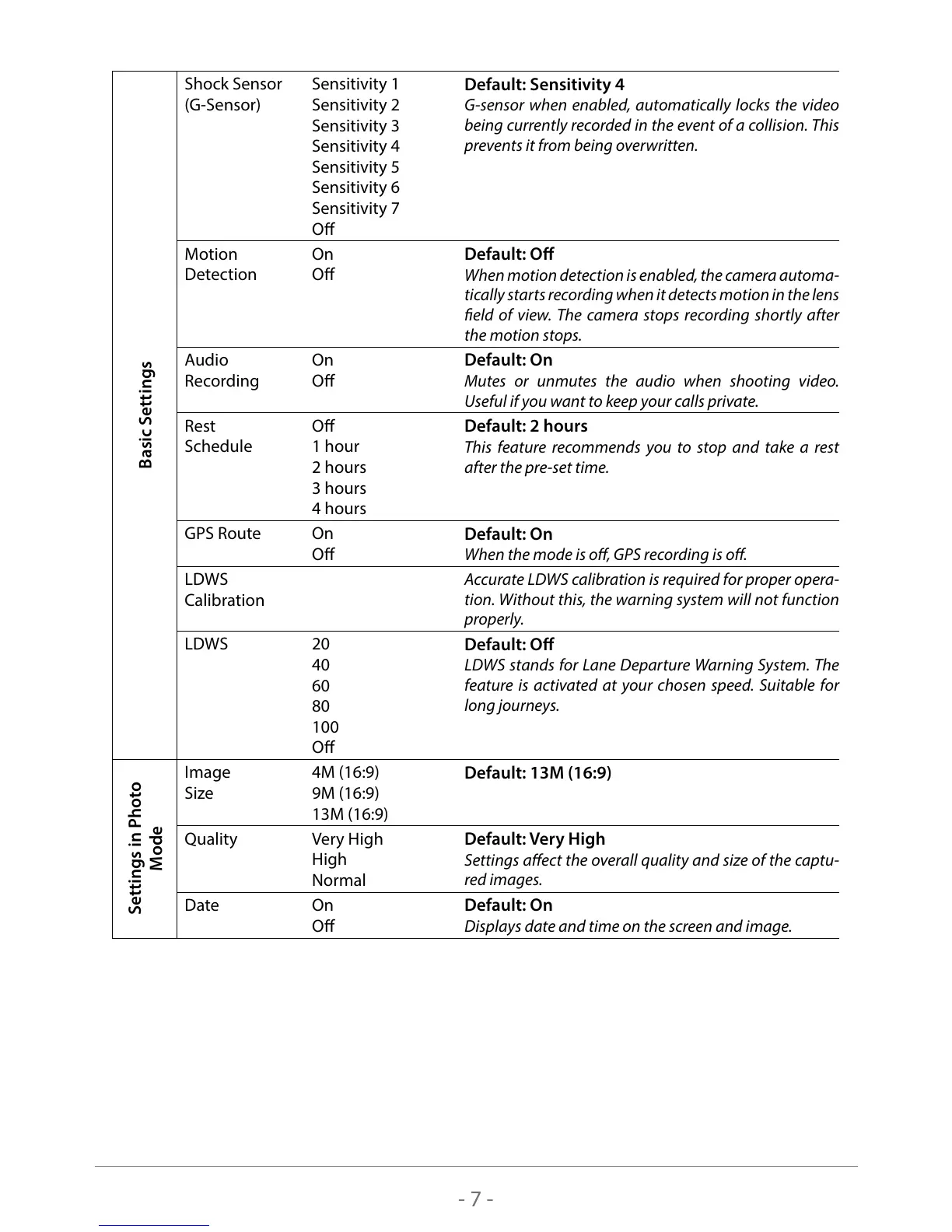
Basic Settings
Shock Sensor
(G-Sensor)
Sensitivity 1
Sensitivity 2
Sensitivity 3
Sensitivity 4
Sensitivity 5
Sensitivity 6
Sensitivity 7
O
Default: Sensitivity 4
G-sensor when enabled, automatically locks the video
being currently recorded in the event of a collision. This
prevents it from being overwritten.
Motion
Detection
On
O
Default: O
When motion detection is enabled, the camera automa-
tically starts recording when it detects motion in the lens
eld of view. The camera stops recording shortly after
the motion stops.
Audio
Recording
On
O
Default: On
Mutes or unmutes the audio when shooting video.
Useful if you want to keep your calls private.
Rest
Schedule
O
1 hour
2 hours
3 hours
4 hours
Default: 2 hours
This feature recommends you to stop and take a rest
after the pre-set time.
GPS Route On
O
Default: On
When the mode is o, GPS recording is o.
LDWS
Calibration
Accurate LDWS calibration is required for proper opera-
tion. Without this, the warning system will not function
properly.
LDWS 20
40
60
80
100
O
Default: O
LDWS stands for Lane Departure Warning System. The
feature is activated at your chosen speed. Suitable for
long journeys.
Settings in Photo
Mode
Image
Size
4M (16:9)
9M (16:9)
13M (16:9)
Default: 13M (16:9)
Quality Very High
High
Normal
Default: Very High
Settings aect the overall quality and size of the captu-
red images.
Date On
O
Default: On
Displays date and time on the screen and image.



 To Next Page