- 4 -
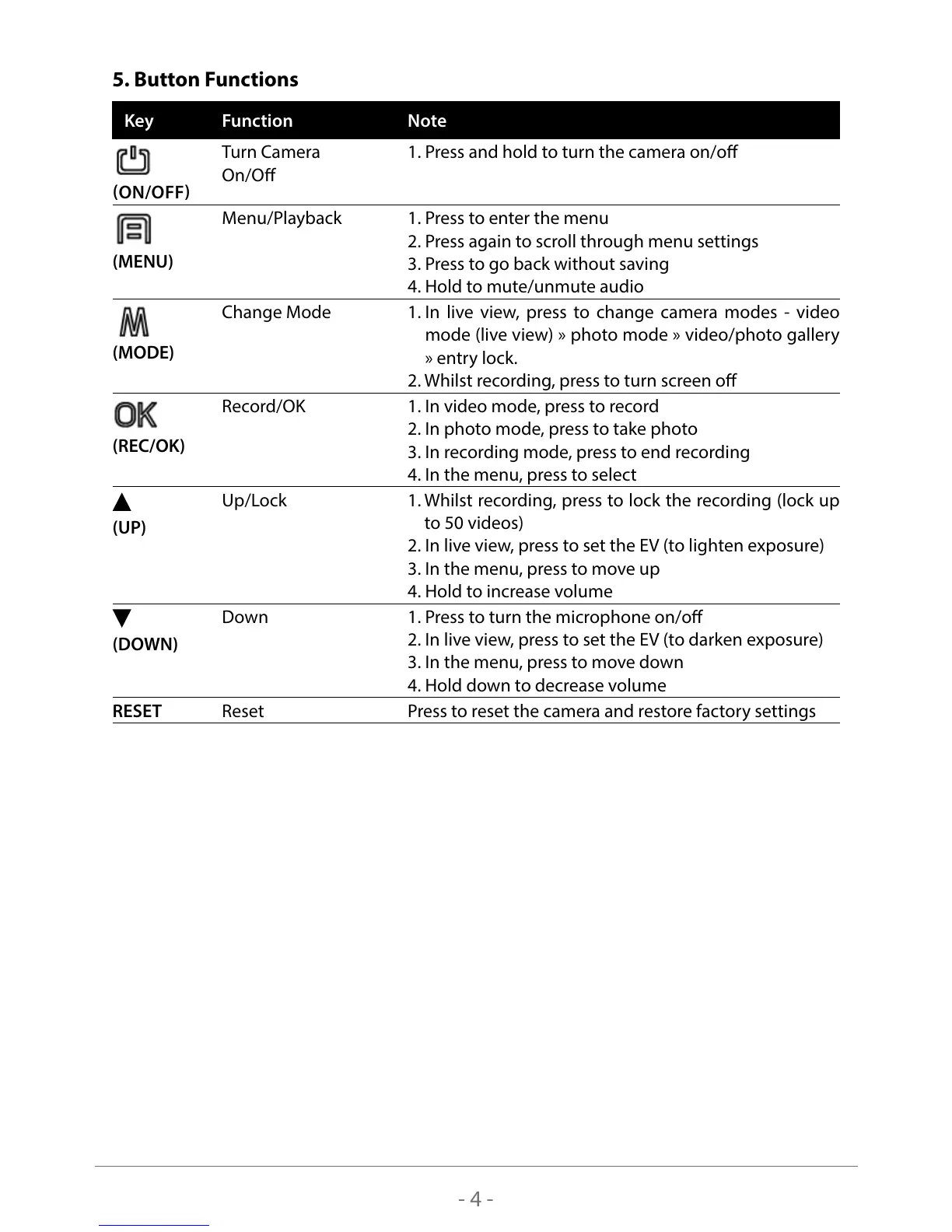
5. Button Functions
Key
Function Note
ON/OFF
Turn Camera
On/O
1. Press and hold to turn the camera on/o
(MENU)
Menu/Playback 1. Press to enter the menu
2. Press again to scroll through menu settings
3. Press to go back without saving
4. Hold to mute/unmute audio
(MODE)
Change Mode 1. In live view, press to change camera modes - video
mode (live view) » photo mode » video/photo gallery
» entry lock.
2. Whilst recording, press to turn screen o
(REC/OK)
Record/OK 1. In video mode, press to record
2. In photo mode, press to take photo
3. In recording mode, press to end recording
4. In the menu, press to select
(UP)
Up/Lock 1. Whilst recording, press to lock the recording (lock up
to 50 videos)
2. In live view, press to set the EV (to lighten exposure)
3. In the menu, press to move up
4. Hold to increase volume
(DOWN)
Down 1. Press to turn the microphone on/o
2. In live view, press to set the EV (to darken exposure)
3. In the menu, press to move down
4. Hold down to decrease volume
RESET Reset Press to reset the camera and restore factory settings



 To Next Page