EasyManua.ls Logo

Lamona LAM3708 - User Manual

Lamona LAM3708
64 pages
Print Icon
To Next Page IconTo Next Page
Loading...
www.howdens.com/appliance-registration
Instructions and Installation
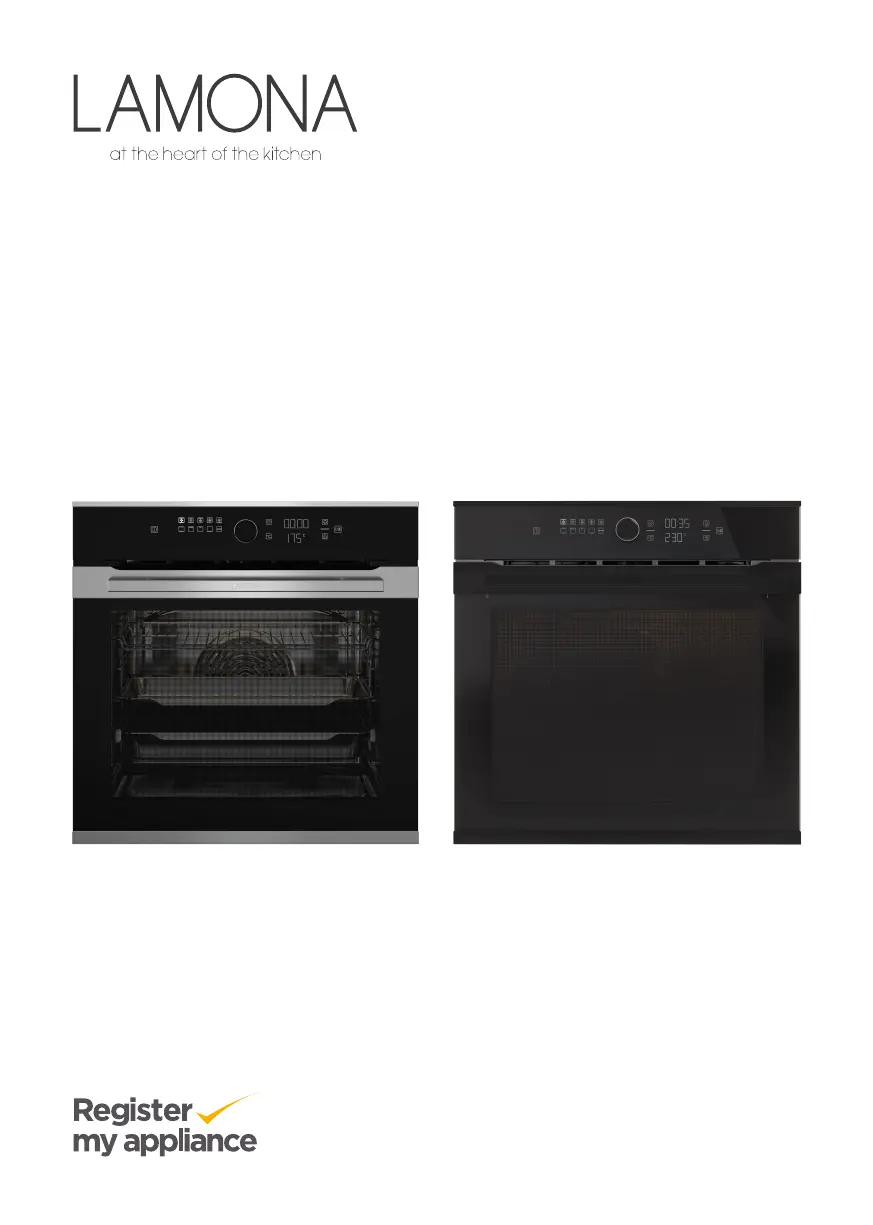
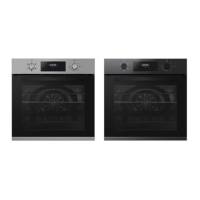
Built-in Single Pyrolytic Oven LAM3708
LAM3709
ISSUE v3. 030522

Questions and Answers

  • J
    Jeanne BakerAug 19, 2025
    Why is my Lamona LAM3708 not heating up?
    • K
      Kellie DaviesAug 19, 2025
      If your Lamona oven isn't heating up, make sure it's set to a specific cooking function and temperature. If your model has a timer, ensure it's properly adjusted. Check the fuses in the fuse box and replace or reset them if necessary. Also, ensure the oven door is completely closed, as the oven will cancel the settings and the heaters will not work if the door remains open for more than approximately 5 minutes.
  • W
    Wanda JohnsonAug 21, 2025
    What to do if the clock display is blinking on my Lamona LAM3708 Oven?
    • K
      krista68Aug 21, 2025
      If the clock display is blinking or a clock symbol is showing on your Lamona oven, it indicates a previous power outage. Try adjusting the time or switch the oven off and then on again.
  • M
    Maria MichaelAug 23, 2025
    What to do if the symbol is constantly flashing on the display and giving an audible warning on my Lamona LAM3708 Oven?
    • A
      awilliamsAug 23, 2025
      If a symbol is constantly flashing and an audible warning is sounding after cooking has started in your Lamona oven, ensure the oven door is completely closed. If the problem continues, contact the authorized service.
  • C
    Carl ButlerAug 26, 2025
    How to troubleshoot a Lamona LAM3708 that does not operate?
    • P
      Patricia IngramAug 26, 2025
      If your Lamona oven isn't operating, start by checking the fuses in your fuse box and replace or reset them if needed. Also, ensure the oven is properly wired into the grounded socket. If the control panel buttons aren't working, the key lock function may be enabled; disable it to restore functionality.
  • D
    Donald RyanAug 28, 2025
    How to fix a Lamona LAM3708 Oven light that does not work?
    • T
      thomasantonioAug 28, 2025
      If the oven lamp in your Lamona oven isn't working, the bulb may be defective and needs replacing. Also, verify that there is power to the oven by checking the fuses in the fuse box and replacing or resetting them if necessary.
  • B
    beverly34Aug 30, 2025
    How to fix Lamona LAM3708 error codes Er 1 - Er 7?
    • M
      Mary McmillanAug 30, 2025
      If your Lamona oven displays error codes Er 1 through Er 7, it indicates communication errors. Turn off the oven at the isolation switch, wait 10 seconds, and then switch it back on. If the error persists, contact the service with the error code on the oven screen.
  • P
    Paul FisherSep 2, 2025
    How to fix Lamona Oven error codes Er 8 - Er 27?
    • J
      Joseph McdonaldSep 2, 2025
      If your Lamona oven displays error codes Er 8 through Er 27, it indicates sensor errors. If the oven is too hot, turn it off at the isolation switch, allow it to cool down, and then switch it back on. If the error continues, contact the service with the error code on the oven screen.
  • B
    Brent Sullivan DDSSep 4, 2025
    How to fix Lamona LAM3708 error codes Er 32 - Er 41?
    • L
      Lisa JacksonSep 4, 2025
      If your Lamona oven displays error codes Er 32 through Er 41, it indicates oven heating errors. If the oven is excessively hot, turn it off at the isolation switch, let it cool, and then switch it back on. If the error persists, contact the service with the error code on the oven screen.
  • C
    Christopher SilvaSep 6, 2025
    How to fix Lamona LAM3708 error codes Er 59 - Er 64?
    • K
      Kaitlyn AvilaSep 6, 2025
      If your Lamona oven displays error codes Er 59 through Er 64, it indicates oven door errors. Turn off the oven at the isolation switch, wait 10 seconds, and then switch it back on. If the error persists, contact the service with the error code on the oven screen.
  • A
    Ashley HollandSep 8, 2025
    How to fix Lamona LAM3708 Oven error codes Er 93 - Er 99?
    • J
      johngillSep 8, 2025
      If your Lamona oven displays error codes Er 93 through Er 99, it indicates electronic board and timer errors. Turn off the oven at the isolation switch, wait 10 seconds, and then switch it back on. If the error persists, contact the service with the error code on the oven screen.

Summary

Safety Instructions

Purpose of Usage

Core safety guidelines for intended use of the oven.

Child, Vulnerable Person and Pet Safety

Critical safety measures for specific user groups and pets.

Electrical Safety

Essential safety precautions for electrical connections and grounding.

Transportation Safety

Safety considerations during product transport to prevent damage.

Installation Safety

Safety considerations during product installation to prevent hazards.

Safety of Use

General safe operating practices for the appliance during normal use.

Temperature Warnings

Important alerts regarding hot surfaces, steam, and child supervision.

Accessory Use

Guidelines for safely using oven accessories like trays and grills.

Cooking Safety

Safety advice specific to cooking operations, including fire hazards.

Maintenance and Cleaning Safety

Safety guidelines for appliance upkeep to prevent injury or damage.

High Temperature Self-Cleaning (Pyrolysis)

Safety precautions for the pyrolytic cleaning function.

General Warnings About Cooking

Important precautions to prevent hazards like fire and burns during cooking.

Environmental Instructions

Waste Regulation

Information on proper disposal of the product and packaging according to WEEE directive.

Recommendations for Energy Saving

Tips for efficient and eco-friendly appliance use to save energy.

Your Product

Product Introduction

Overview of the appliance and its main parts and features.

Product Control Panel Introduction

Explanation of the oven's control panel layout and functions.

Displays

Description of symbols and information shown on the control panel.

Oven Operating Functions

Detailed descriptions of available cooking modes and their uses.

Product Accessories

Details on included and optional accessories for proper use.

Using Product Accessories

Instructions on how to properly use and place accessories like trays and grills.

Technical Specifications

General Specifications

Key technical data, dimensions, power, and voltage of the oven.

First Use

First Time Setting

Guide for initial setup, including setting the time of day.

First Cleaning

Instructions for cleaning the oven before initial use.

Oven Operation

General Oven Usage

Basic usage principles, cooling fan operation, and oven lighting.

Oven Control Unit Operation

Detailed explanation of using the oven's control unit and its features.

Turning Oven On and Off

Basic procedures for powering the appliance on and off.

Manual Cooking

How to cook manually by setting temperature and function.

Cooking with Timer

How to cook with automatic shut-off using the timer function.

Specific Cooking Functions

Details on special functions like Eco fan cooking and Bread function.

Settings and Configuration

Key Lock Function

How to activate and deactivate the control panel lock.

Setting the Alarm

How to use the oven as a timer or alarm for reminders.

Volume and Brightness Settings

Adjusting sound volume and screen brightness for user preference.

Quick Pre-heating (Booster)

How to enable the rapid pre-heating feature for faster cooking.

Changing the Time of Day

Procedure to adjust the clock setting on the oven.

Cooking Information

General Cooking Warnings

Important advice and precautions to prevent hazards during cooking.

Pastries and Oven Food

Specific guidance for baking pastries and general food preparation.

Cooking Tables

Recommended settings, temperatures, and times for various foods.

Meat, Fish and Poultry

Guidelines for preparing and cooking meat, fish, and poultry.

Grilling Instructions

How to use the grill function effectively and safely.

Maintenance and Care

General Cleaning Information

Basic cleaning procedures and general warnings for the oven.

Cleaning Specific Surfaces

Guidance for cleaning different materials like inox, enamel, and glass.

Cleaning Oven Components

How to clean accessories, control panel, and the oven interior.

Pyrolytic Self-Cleaning

Instructions for the high-temperature self-cleaning function.

Oven Door Maintenance

How to clean and remove the oven door and its glass panels.

Oven Lamp Care

How to clean and replace the oven lamp.

Troubleshooting

Common Operational Issues

Addressing typical problems like steam, noises, and non-operation.

Error Codes and Solutions

Guide to interpreting and resolving error messages displayed by the oven.

Installation

Installation Placement

Guidelines for placing the oven under counter, in tall cabinets, or corners.

Electrical Connection

Procedures for safely connecting the oven to the power supply.

Installation Safety and Fixing

Precautions against fire risks and securing the appliance during installation.

Product Guarantee

Guarantee Details and Reporting Problems

Information on warranty coverage and how to get product support.

Spare Parts Availability

Information on obtaining replacement parts for the appliance.

Lamona LAM3708 Specifications

General IconGeneral
Oven TypeSingle
Fuel TypeElectric
Oven Capacity70 Liters
Energy RatingA
Control TypeDial / Touch
Interior LightYes
TimerYes
Child LockYes
Cool Touch DoorYes
Timer TypeElectronic
Door TypeGlass

Related product manuals