06_
LAMONA Appliances
04 - Operating Your Drinks Cooler
For your drinks cooler work at optimum
it is recommended that the product is
installed in a domestic environment where the
ambient temperature is maintained between
22-25°C (72-77ºF)
If the ambient temperature is above or below
the recommended range, (for example; extreme
hot or cold conditions) this may cause interior
temperatures to and the temperature
range of 5-22°C may not be reached.
The Drinks Cooler will run continuously until
the required temperature range is achieved. This is
quite normal and not a cause for concern.
When you use the Drinks Cooler for the
time or restart the Drinks Cooler after having been
turned off for a long time, there could be a few
degrees variance between the temperature you
select and the one indicated on the LED readout.
This is normal and it is due to the length of the
activation time. Once the Drinks Cooler is running
for a few hours everything will be back to normal.
If the unit is unplugged, power lost, or turned off
it is recomended you wait 3 to 5 minutes before
restarting the unit.
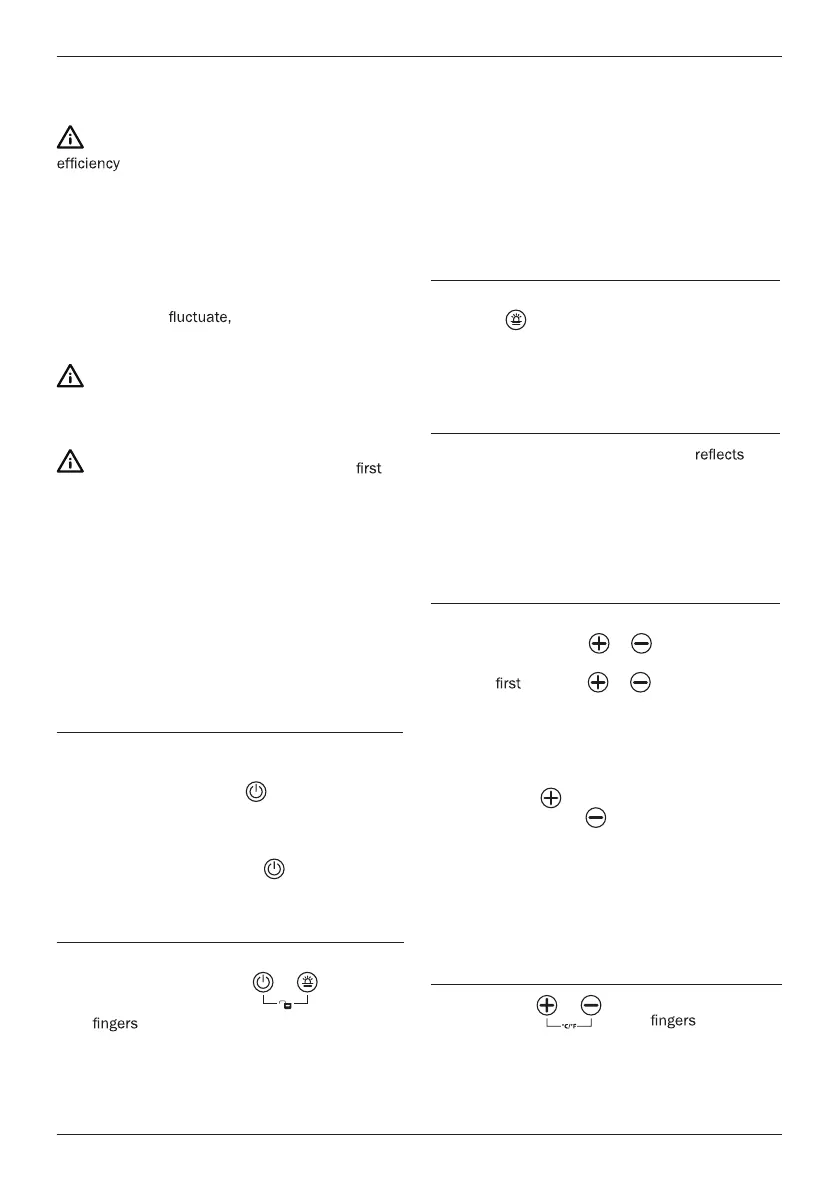
Power On/Off Control
• When the appliance is plugged in to a power
outlet, it powers on automatically.
• Touch the power mark
and hold for 10
seconds to turn off (or turn on) the appliance.
• No matter if it is under a locked or unlocked
situation, you can turn off the appliance by
touching the power mark
and holding for
10 seconds.
Unlocking the Control Panel
• To unlock the control panel, touch the power
mark and lighting mark
with 2
at the same time and hold for 3
seconds . When unlocked a ‘bleep’ sound will
be heard.
• The control panel will be automatically locked
with a ‘bleep’ sound heard after 10 seconds
without being touched.
• Under the locked situation, the control panel
will not react to any touching order for Lighting
On/Off and Temperature Setting.
Interior light On/Off control
• Under the unlocked situation, touch the light
mark
to turn on (or turn off) the interior
cool LED light
• The light will be continuously on if it is not
turned off.
Temperature display window
• The numbers in the digital difplay
the current temperature within the cooler.
When setting or adjusting the temperature the
desired temperature will be displayed for 10
seconds before returning back to the products
current temperature.
Temperature setting
• The temperature setting range is 5-22ºC
• Directly touch the
or to set the drinks
temperature that you would like.
• The
touch on or will recall the
previous set temperature displayed in the
digital window. If the appliance runs after a
power failure (or unplugging), the previous set
temperature does not exist and is replaced by
the default temperature of 12ºC
• Touch the
to increase the set temperature
by 1ºC and touch
the to decrease the set
temperature by 1ºC
• The digital number will change to display
the temperature inside the cabinet after 10
seconds without being touched.
Selecting between fahrenheit &
celsius display.
• Touch the with 2 at the
same time and hold for 5 seconds, you can
interchange the Fahrenheit and Celsius
display.
Operating your drinks cooler



 To Next Page