15
LANCOM Installation Guide – Configuration
EN
Integration into the LMC by LMC Rollout Assistant
The Rollout Assistant is a web application. It uses a device equipped with a
camera and Internet access, such as a smartphone, tablet or notebook, to
read the serial number and PIN. It offers an extremely easy way to connect
the device to the LMC.
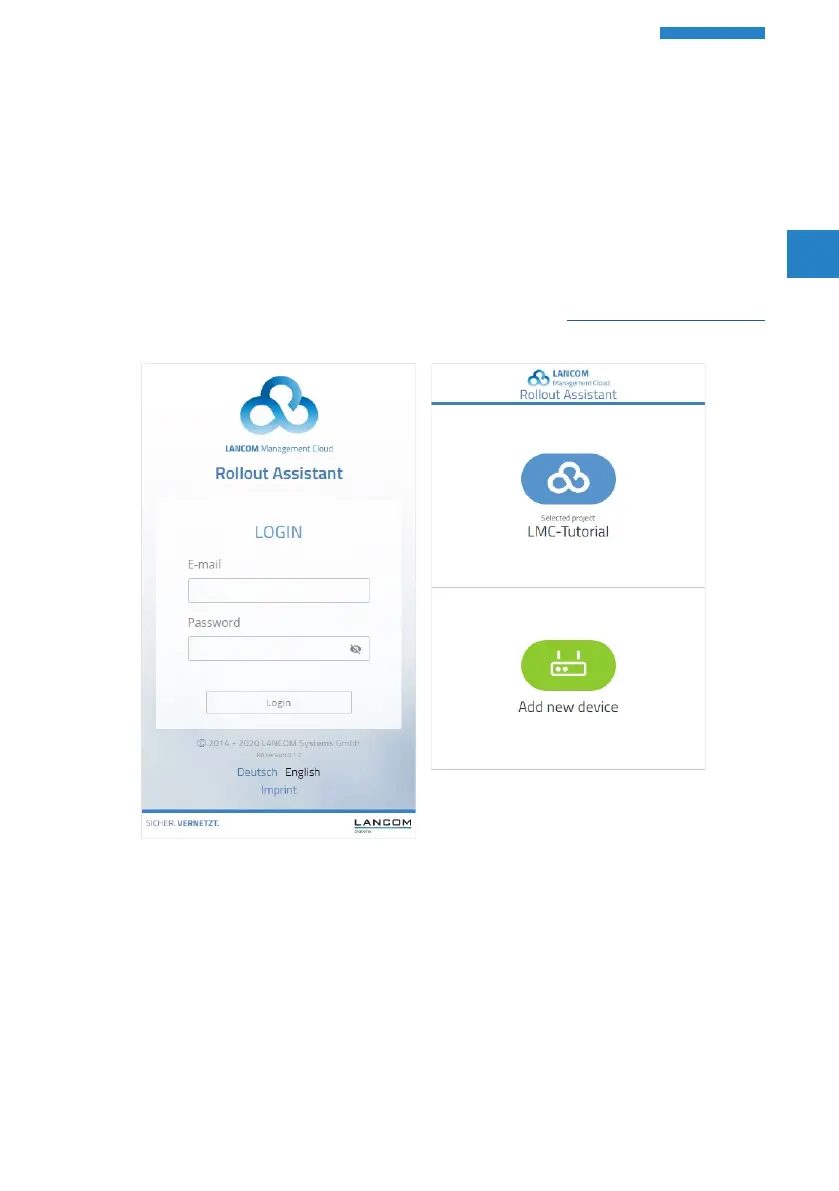
To start the Rollout Assistant, just enter the URL cloud.lancom.de/rollout
into a browser. The Rollout Assistant opens with this login screen:
You select the desired language and login to the LMC using your
credentials.
On the next page, you select the project that new devices are added to.
Do this by tapping the green button and scanning the serial number. The
Rollout Assistant may request access to the camera on the device to do



 To Next Page