EasyManua.ls Logo

Landworks GUO049 - User Manual

Landworks GUO049
16 pages
Print Icon
To Next Page IconTo Next Page
Loading...
Operator's Manual
REV 06/18/20
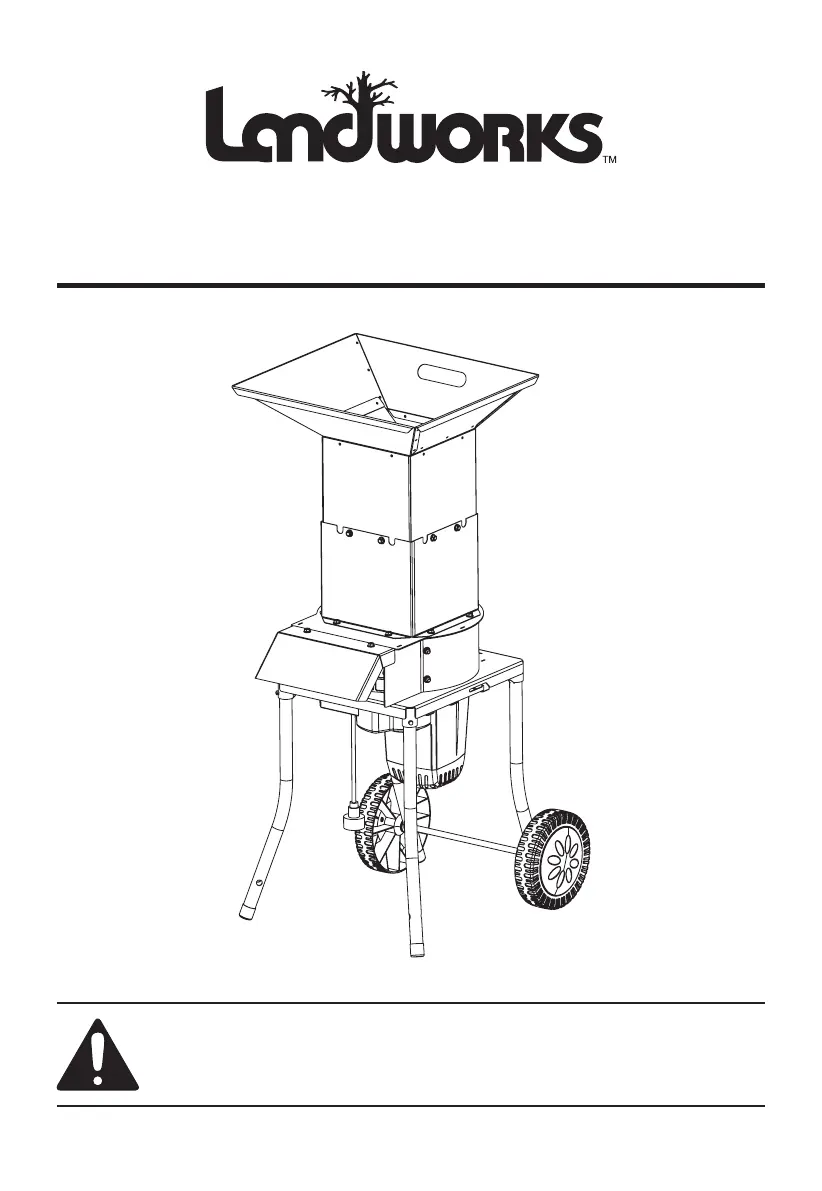
Electric Shredder & Mulcher
WARNING:
Read carefully and understand all INSTRUCTIONS before operating. Failure to follow the safety
rules and other basic safety precautions may result in serious personal injury.
Save these instructions in a safe place and on hand so that they can be read when required.
Keep these instructions to assist in future servicing.

Questions and Answers

  • A
    Amanda HallAug 7, 2025
    Why won't my Landworks GUO049 Paper Shredder engine start?
    • M
      Melinda KingAug 7, 2025
      There are several reasons why your Landworks Paper Shredder's engine might not start: 1. The cutting blade could be stuck. If so, remove the blockage. 2. The motor might be overheated. Try operating the equipment in an area with better air circulation. 3. The extension cord could be too long. Select a more appropriate extension wire to reduce power loss. 4. The device may not be properly connected to a power supply. Ensure it's connected. 5. The overload protector might have been activated. Reset the overload protector. 6. The motor or other electrical components might be malfunctioning. In this case, it is best to seek repair or replacement by professional technicians.
  • V
    Victoria NorrisAug 15, 2025
    What to do if my Landworks GUO049 engine stops suddenly?
    • M
      Monica PowellAug 15, 2025
      If your Landworks Paper Shredder's engine stops suddenly, consider these possibilities: 1. The power switch may have been turned off accidentally. Try restarting the power switch. 2. The power plug may have become disconnected. Reconnect the power plug. 3. The motor may be overheated. Allow the motor to cool down before restarting. 4. The overload protector may have been triggered due to a blockage. Reset the overload protector after removing the blockage. 5. There may be a malfunction in the motor or electrical components. In this case, seek repair or replacement by professional technicians.
  • W
    weisslisaAug 22, 2025
    How to troubleshoot reduced cutting ability in my Landworks GUO049?
    • J
      James Monroe PhDAug 22, 2025
      If your Landworks Paper Shredder has reduced cutting ability, check the following: 1. The blade edge may be worn. It needs to be replaced by professional technicians. 2. The blade may not be installed correctly and should be installed by professional technicians. 3. The discharge port may be blocked. Remove any blockages. 4. The extension cord could be too long, resulting in power loss. Select a shorter extension wire. 5. Other electrical loads connected to the same power supply could be reducing power to the shredder. Connect the device to the power supply separately.
  • J
    Jason LewisAug 29, 2025
    What to do if my Landworks Paper Shredder has abnormal vibration?
    • J
      jasonshannonAug 29, 2025
      If your Landworks Paper Shredder is vibrating abnormally, immediately stop the motor and disconnect the power. The vibration could be due to: 1. A loose or unstable blade. Check the blades and replace them if necessary. 2. Loose equipment fasteners. Tighten all bolts and nuts.

Summary

WARNING

General Safety Warning

Read and understand all instructions before operating to avoid serious personal injury.

IMPORTANT SAFEGUARDS

Key Safety Precautions

Follow basic precautions for safe operation, including reading the manual before use.

TECHNICAL DETAILS

Product Specifications

Lists item number, electrical rating, wheel size, blade size, and blade speed.

PARTS LIST AND DIAGRAM

Component Identification

Illustrates and labels all parts of the shredder for easy identification.

IMPORTANT SAFETY INSTRUCTIONS

Safety Symbols and Definitions

Explains hazard symbols like DANGER and WARNING for potential injury.

Power Cord Safety

Provides instructions for safe use of extension cords, GFCI, and cord types.

PERSONAL SAFETY

Dress Code and Alertness

Recommends appropriate attire, safety gear, and staying attentive during operation.

GARDENING APPLIANCE USE AND CARE

Safe Operating Environment

Advises on avoiding wet conditions and keeping children away from the work area.

SAFE OPERATION PRACTICES

Maintenance and Cleaning

Covers proper maintenance, blade sharpening, and filter cleaning for optimal performance.

PACKAGE INCLUDES

Included Components

Lists all parts provided in the package with their respective quantities.

INSTALLATION STEPS

Assembly Guide

Provides visual steps for assembling the shredder components.

FASTENER APPLICATION

Assembly Fastening

Shows how to use bolts and nuts for secure assembly of the shredder parts.

OPERATION

Shredder Operation Guide

Explains the correct procedure for operating the shredder safely and efficiently.

Overload Protection System

Describes how the overload system works and how to reset the unit after a clog.

MAINTENANCE AND SERVICING

Pre-Operation Checks

Lists essential checks like hardware, alignment, and cord condition before each use.

TROUBLE SHOOTING

Common Issues and Resolutions

Provides a guide to common problems and their solutions for the shredder.

PARTS BREAKDOWN

Exploded View Diagram

Presents a detailed exploded view of the shredder with numbered parts for reference.

PARTS LIST AND QUANTITIES

Component Details

Lists all components with their descriptions and quantities needed for the shredder.

Landworks GUO049 Specifications

General IconGeneral
BrandLandworks
ModelGUO049
CategoryPaper Shredder
LanguageEnglish