EasyManua.ls Logo

Landworks LCE12 - User Manual

Landworks LCE12
13 pages
Print Icon
To Next Page IconTo Next Page
Loading...
REV 08/16/19
Instruction Manual
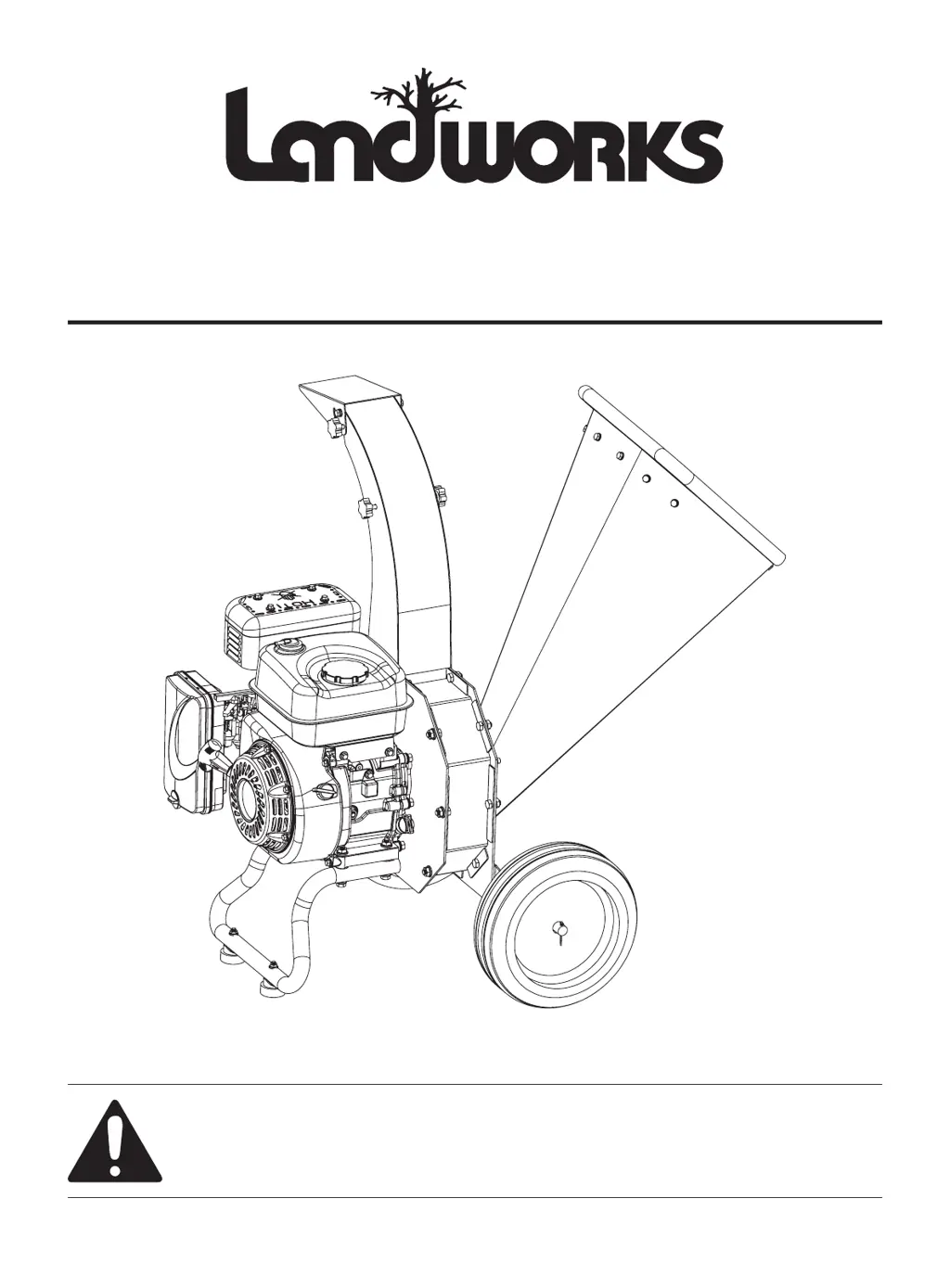
Wood Chipper
WARNING:
Read carefully and understand all INSTRUCTIONS before operating. Failure to follow the safety rules
and other basic safety precautions may result in serious personal injury.
Save these instructions in a safe place and on hand so that they can be read when required. Keep
these instructions to assist in future servicing.

Questions and Answers

  • D
    Daniel WillisAug 6, 2025
    What to do if my Landworks LCE12 engine stops suddenly?
    • M
      matthew73Aug 6, 2025
      If your Landworks Chipper engine stops suddenly, there are several possible reasons. Make sure your fuel tank isn't empty or filled with impure or low-quality gasoline; if so, add fresh unleaded gasoline. Check the engine oil level and fill to the proper level if it's low. Ensure the spark plug cap is securely connected. Also, if you are processing a limb that is too long, the operator should help the limb feeding by slightly holding it to keep the rotate speed.
  • D
    David WestAug 13, 2025
    Why is the exhaust from my Landworks Chipper engine black?
    • A
      Amy ChapmanAug 13, 2025
      Black exhaust from your Landworks Chipper engine is often due to a dirty air filter; replace it. Another cause could be a closed choke; make sure to open it.
  • A
    Alicia MasseyAug 19, 2025
    What to do if the Landworks LCE12 Chipper action is slow, or the engine is stalling?
    • J
      jennifersmithAug 19, 2025
      If the chipping action is slow or the engine is stalling on your Landworks Chipper, consider these points: Ensure that the branch diameter is not over 3 inches. Adjust the throttle to increase engine speed. Also, extremely hard or dried-out tree limbs are not suitable for chipping.
  • G
    Gregory DavidsonAug 25, 2025
    What to do if my Landworks LCE12 engine runs but no material is discharged?
    • A
      Amy SilvaAug 25, 2025
      If your Landworks Chipper's engine runs but no material is discharged, check if the discharge chute is clogged and clean out any debris. Also, make sure the engine is running at full speed by setting the throttle control to FAST if your model is equipped with it.
  • J
    jennifer92Aug 30, 2025
    Why is there unusual noise or vibration when chipping material with my Landworks Chipper?
    • A
      anthonynguyenAug 30, 2025
      Unusual noise or vibration during chipping with your Landworks Chipper can stem from several issues: * The rotor might be overloaded with material. Allow the unit to clear itself before adding more. * Hammers could be broken, bent, or loose. Check the assembly and tighten or replace parts as necessary. * Hammers might be frozen in place. Inspect for obstructions and debris, then repair or replace as needed.

Summary

WARNING SYMBOL

WARNING SYMBOLS AND DEFINITIONS

Explains various warning symbols and their meanings for safety.

Intended Use

Defines the primary purpose and function of the wood chipper.

Foreseeable Misuse

Outlines improper uses of the wood chipper to avoid potential hazards.

FEATURES

SPECIFICATIONS

Engine Specifications

Details the technical specifications of the chipper's engine.

GENERAL OPERATING SAFETY

PRODUCT SPECIFIC SAFETY

GENERAL OPERATION

Chipper Operation

Instructions on how to operate the chipper, including material insertion and safety.

Operating Location

Guidelines for selecting a safe and suitable area for operating the chipper.

Adding Oil

Instructions on how to add oil to the engine, referring to the engine manual.

Gasoline Fires and Handling Fuel Safely

Burns and Fires

Precautions to prevent burns and fires related to hot engine parts and flammable materials.

Prevention of Burns and Fires

Specific steps to avoid burns and fires during operation and maintenance.

Children and Bystanders

Safety measures to protect children and bystanders from potential accidents.

ASSEMBLY

Install Stand

Step-by-step guide for assembling the stand onto the chipper base.

Install the Wheels

Instructions for mounting the wheels onto the chipper axle.

In-feed bin installation

Procedure for attaching the in-feed bin to the chipper unit.

Fixed the discharge chute

Instructions for securely attaching the discharge chute to the chipper.

Fixed the discharge chute guide

Details on installing the guide for the discharge chute.

TRANSPORTING AND STORAGE

Adding Fuel

Instructions on how to add fuel to the engine, including safety precautions.

Starting the Engine

Guidance on starting the engine, referencing the engine manual for details.

Stopping the Engine

Procedure for safely shutting down the engine and stopping the rotor.

Storage

Recommendations for storing the unit, including fuel system preparation.

MAINTENANCE

Engine Maintenance

Tasks and schedule for maintaining the engine, referring to the engine manual.

Check for Loose Hardware

Procedure for checking and tightening hardware for safe operation.

Check Safety Labels

Ensuring all safety labels are present and legible for user awareness.

Inspect Cone, & Guards

Checking the chipper cone and guards for damage and secure fit.

Clean Debris from Engine & Chipper

Instructions for cleaning debris to ensure proper engine cooling and operation.

TROUBLESHOOTING CHART

Chipping Knives Sharpening and Replacement

Parts Breakdown

Landworks LCE12 Specifications

General IconGeneral
BrandLandworks
ModelLCE12
CategoryChipper
LanguageEnglish