Network Scanner
6
1
Using as a network delivery scanner
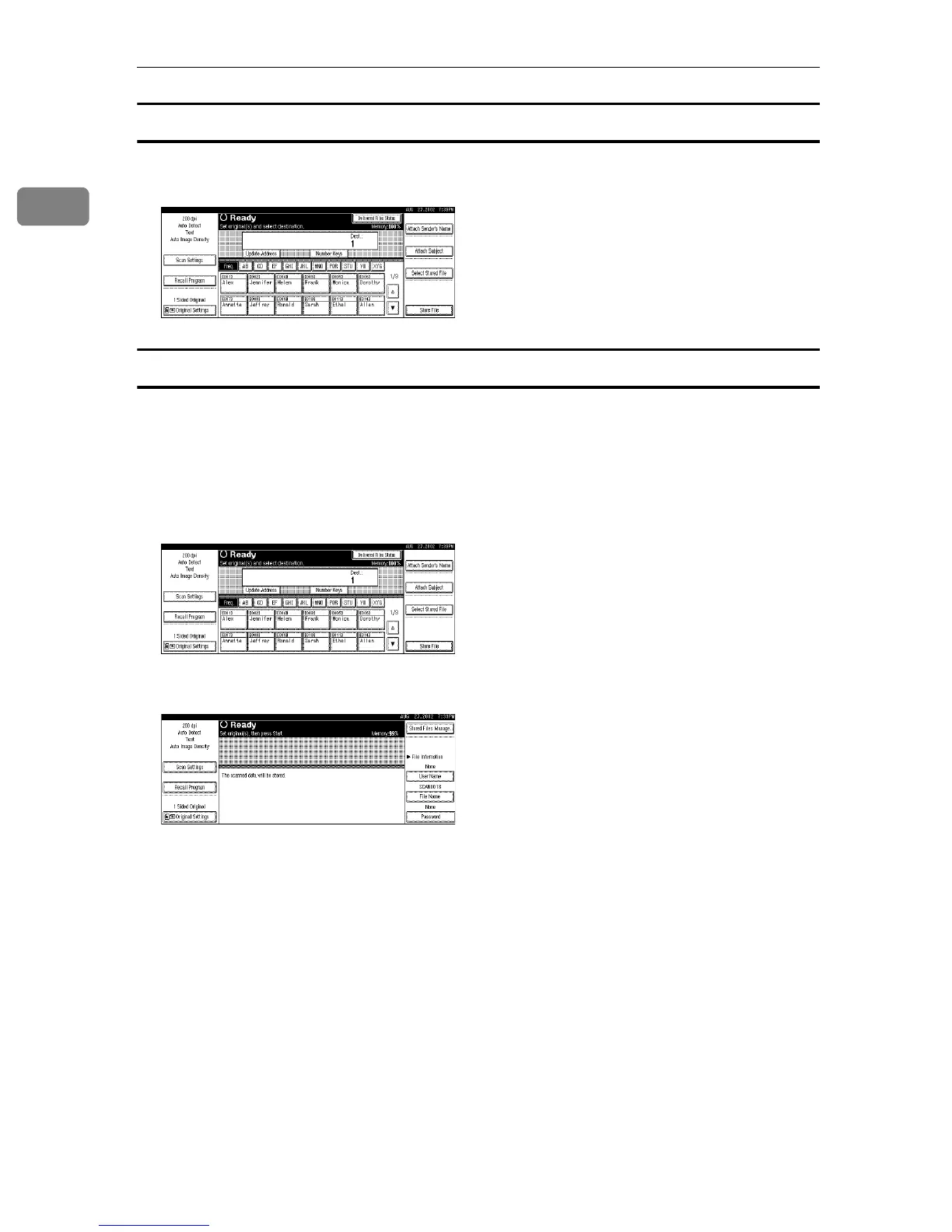
Press {Scanner} to display the network delivery scanner screen. If the network
TWAIN scanner screen is displayed, press [Cancel].
Using the Document Server
Press {Scanner} to display the Document Server screen. If the network TWAIN
scanner screen is displayed, press [Cancel].
The screen of the Document Server depends on whether the network delivery
scanner is used.
❖
❖❖
❖ When the network delivery scanner is used
❖
❖❖
❖ When the network delivery scanner is not used


 To Next Page