Settings
1) Scrolling
Use the red bar to scroll through the list of all available options.
2) Turn on/ off
Many settings can be toggled on or off in this screen
*Note: Factory setup is not adjustable by user. Do not attempt to enter this setup menu.
Set Time
1) Time Options
Turn GPS auto update and 12 hour clock settings on and off here.
2) Date and Time
Use the up and down arrows to set the date and time accordingly.
Sound
1) Fade/ Balance
Hold and drag left, right up or down to control the fade and balance of your audio output.
Aux
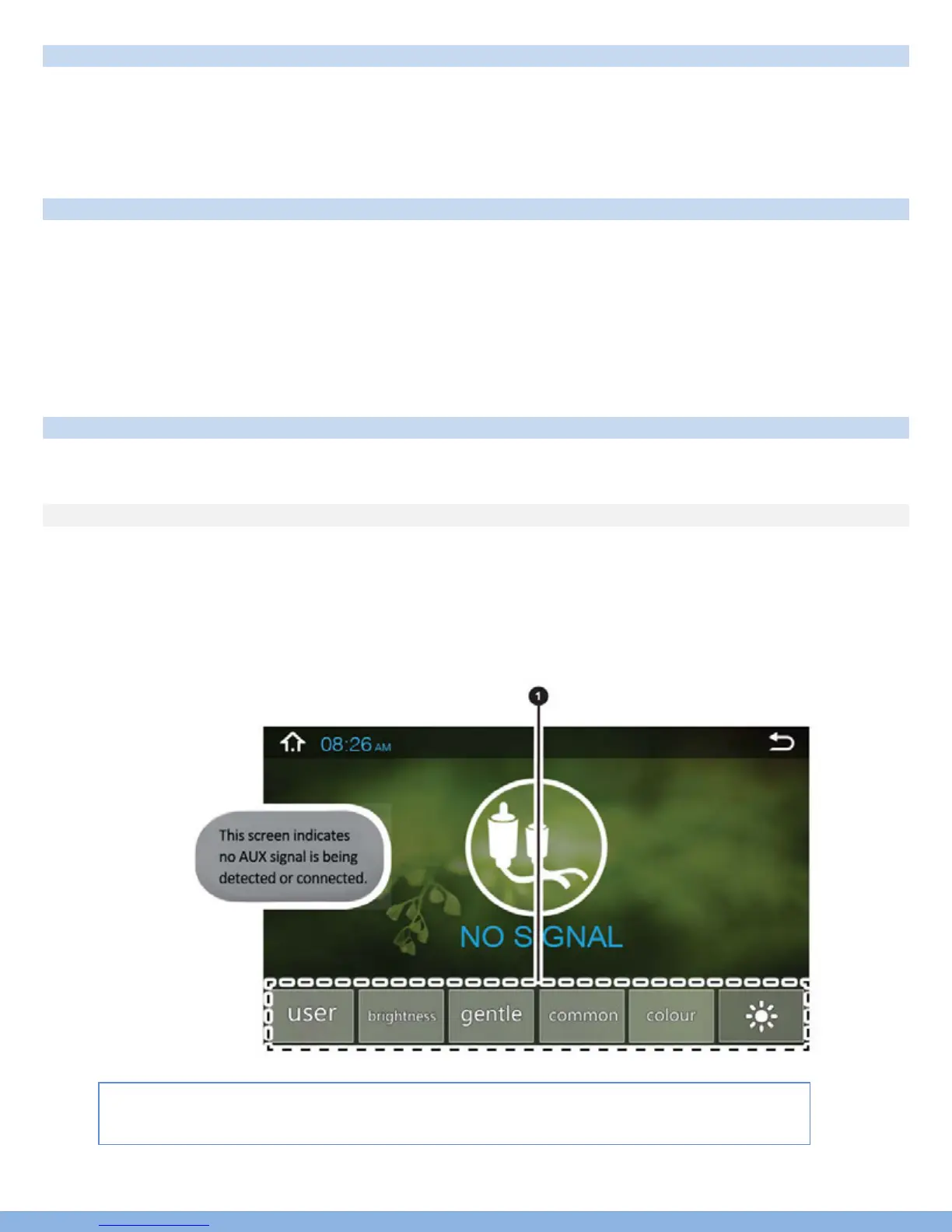
Auxiliary input (rear RCA jacks) allow audio and video from external devices to be displayed or played
through the unit. Auxiliary output (rear RCA jacks) allow audio and video to be sent out to external devices.
1) Customization – Use the settings to adjust and optimize the display quality.
Note: auxiliary app will display “No Signal” if no video signal is connected. Screen controls will not
become active until external video signal is detected.
*The Parking brake will need to be wired to a grounding trigger to allow video pass
through or a warning message will appear saying warning video disabled while driving.



 To Next Page