www.lascarelectronics.com
Issue 1 10/2019 Page 4 of 6
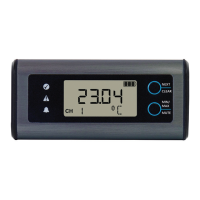
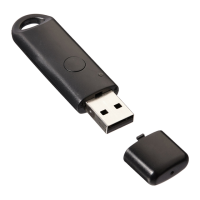
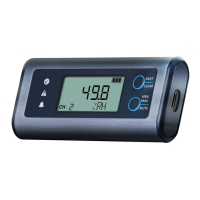
EL-SIE-2+
High Accuracy Temperature and Humidity
USB Data Logger, EasyLog Cloud Compable
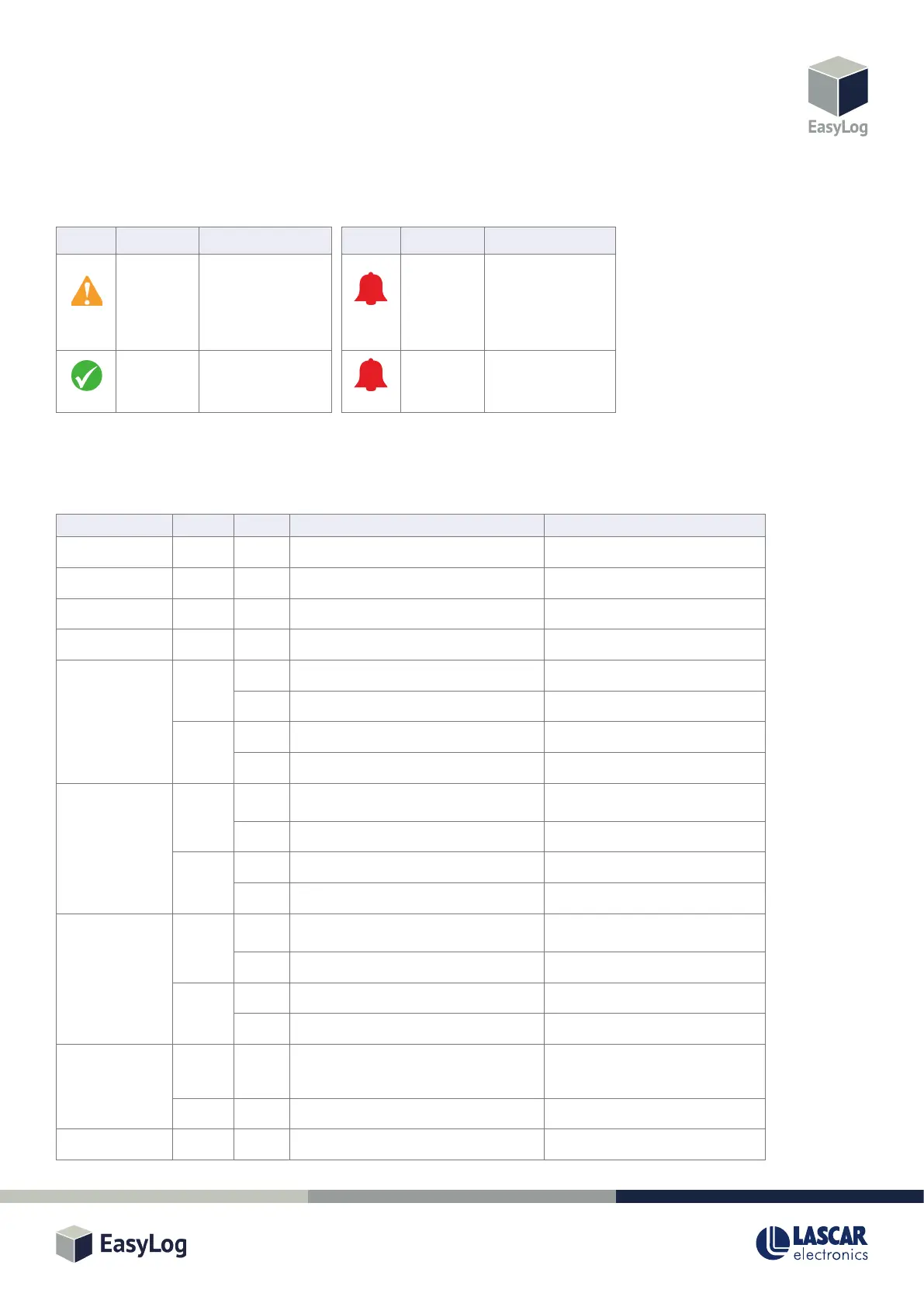
LED AND SOUNDER STATUS INDICATION
The EL-SIE-2+ has three LEDs and a sounder to clearly indicate the status:
BUTTON FUNCTIONS
The two buons are used to navigate between display screens and control other funcons, some of which also create a record in an Event
Log, which can be viewed using the web browser.
If the display mode is set to Buon Press, pressing any buon wakes the display up, aer which it operates as described above.
LEDs Sounder Status
Acve Alarm / Memory Full /
Calibraon Expired
O Baery Low
LEDs Sounder Status
O Logger primed but not
yet logging / Pre-alarm
/ Memory 90% Full /
Calibraon Pending
(check display for
specic warning)
O Logger in operaon, no
alarms or warnings
Slow Flash
Flashing
Flashing
Flashing
Screen Buon Press Funcon Event Recorded
USB n/a n/a n/a n/a
Push to Start Any Long Start logging n/a
Triggered Start n/a n/a n/a n/a
Delayed Start n/a n/a n/a n/a
Channel –
Current reading
Top Short Move to next channel or STOP LOG n/a
Long Clear alarm hold for all channels Clear Held Alarms
Boom Short Show Min reading for this channel n/a
Long Mute alarm sounder Mute Alarm
Channel –
Min reading
Top Short Show Min reading for next channel or STOP
LOG
n/a
Long Reset Max/Min reading for all channels Clear Max/Min
Boom Short Show Max reading for this channel n/a
Long Mute alarm sounder Mute Alarm
Channel –
Max reading
Top Short Show Max reading for next channel or STOP
LOG
n/a
Long Reset Max/Min reading for all channels Clear Max/Min
Boom Short Show current reading for this channel n/a
Long Mute alarm sounder Mute Alarm
STOP LOG? Top Short Move to Channel 1 (or Warning Screen), also
generates an Audit Mark when cycling back
through to Channel 1
Audit Mark
Boom Long Stop logging, returns to Push to Start n/a
Warning Screen Any Short Move to next warning or Channel 1 n/a


 To Next Page
 Loading...