Torque Setting
• Select M and Trace button together to select the required measurement.
• A pointer on the top of the LCD display indicates the torque setting.
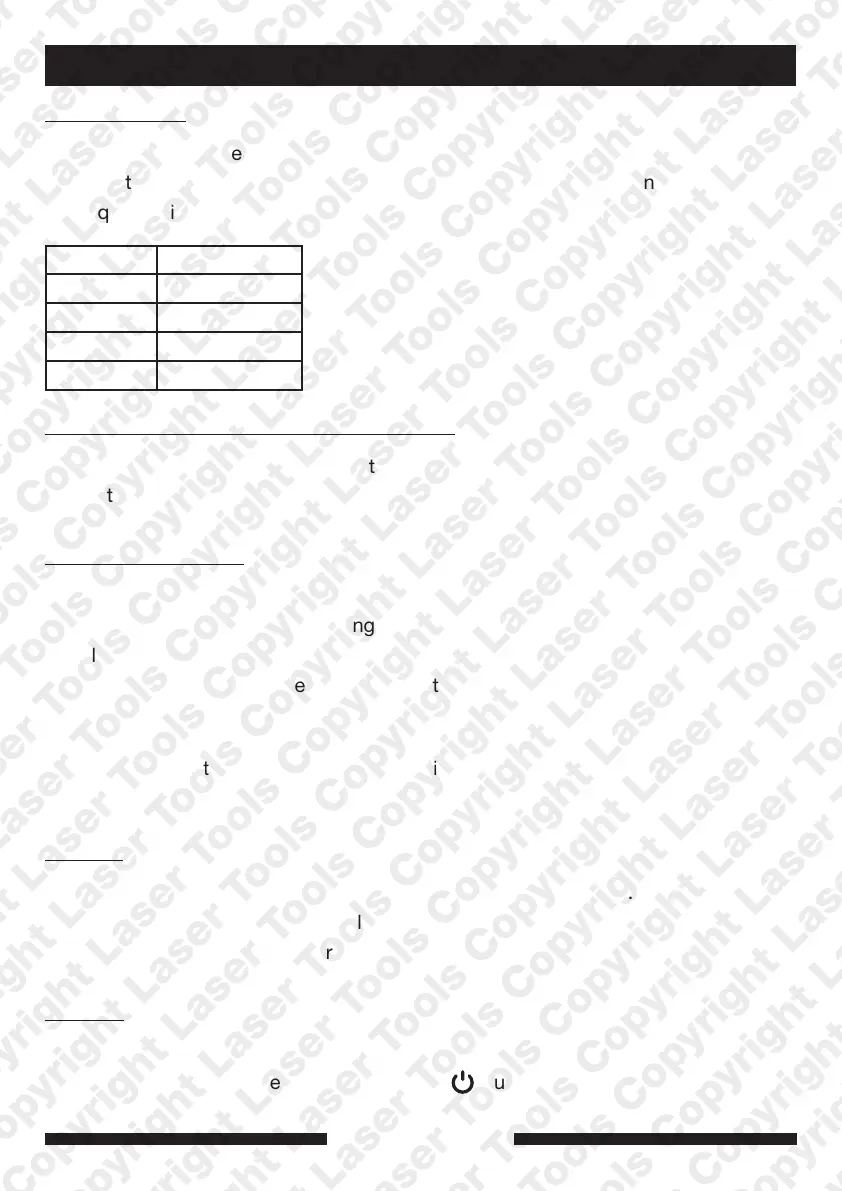
• Torque settings include:
Kg-cm 408 - 2040
Kg-m 4.08 - 20.4
In-lb 354 - 1770
Ft-lb 29.5 - 148
N-m 40 - 200
How to Increase or Decrease Torque Value
• Using the + or – buttons the target torque can be reset.
• The target Torque value will show for 10 seconds before resetting to 0.0.
How to apply Torque
1. Turn On the adaptor.
2. Select the required Torque Setting (Nm etc).
3. Select Peak or Trace.
4. Attach to a standard power bar or ratchet and apply the torque gradually
5. When you are approaching 80% of the target you will see a red light flash and
hear an intermittent buzzer warning.
6. Once you reach the required torque the red light will illuminate and the buzzer will sound.
(It is important not to apply torque too fast as this buzzer and light may be missed)
Memory
• Each time Peak is used the reading is stored up to 50 readings.
• Each reading will be automatically numbered P01-P50.
• (P01 will be the latest number P50 the oldest).
Turn Off
• The torque adaptor will automatically shut off if unused for 70 seconds.
• To turn off manually press and release the button.
3
www.lasertools.co.uk
Instructions



 To Next Page
 Loading...