EasyManua.ls Logo

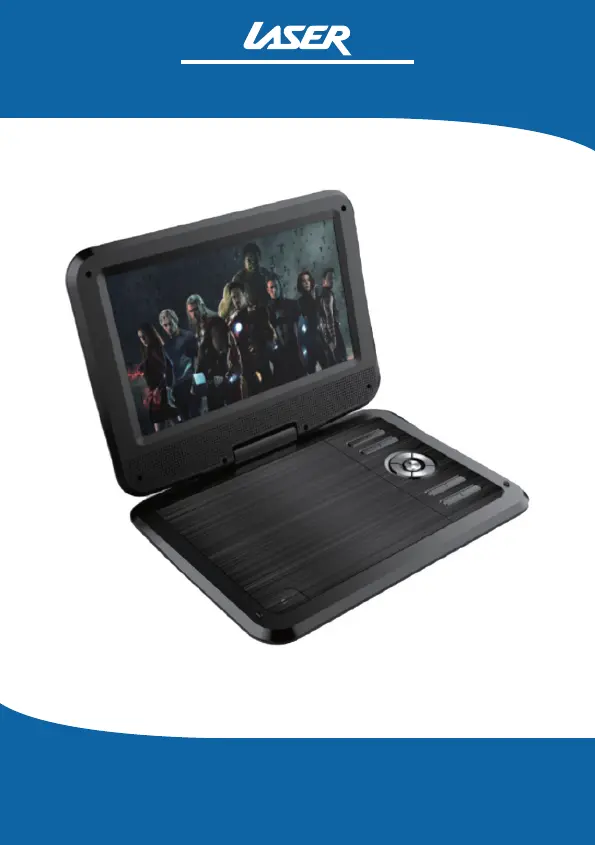
Laser DVD-PT-10D - User Manual

Laser DVD-PT-10D
28 pages
Print Icon
To Next Page IconTo Next Page
Loading...
10" Portable DVD Player
DVD-PT-10D
User Manual
v2

Questions and Answers

  • C
    Crystal SparksAug 8, 2025
    Why is there no sound or distorted sound on my Laser DVD Player?
    • T
      Theodore WardAug 9, 2025
      If you are experiencing no sound or distorted sound, ensure that your DVD player is properly connected and that all cables are securely inserted into the appropriate jacks. Also, verify that the audio is not muted.
  • J
    jennifer02Aug 22, 2025
    What to do if my Laser DVD Player has no power?
    • G
      gomezcarlosAug 22, 2025
      If your Laser DVD Player has no power, make sure the power connection is firmly seated in the plug and that the power supply is receiving power.

Laser DVD-PT-10D Specifications

General IconGeneral
Power SupplyAC 220-240V, 50/60Hz
Playable Media FormatDVD, CD
ConnectivityComposite video output, Stereo audio output
Supported Disc FormatsDVD-R, DVD-RW, CD-R, CD-RW
Video OutputComposite Video
Audio OutputStereo
Dimensions45mm

Related product manuals