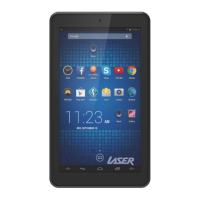
Hardware Factory Reset
Note: This option will delete all settings
and downloaded content (including APPs)
and restore your device to original factory
settings:
1. Power off your tablet first by pressing
and holding the power button for approx.
10 seconds.
2. While the tablet is off, press and hold the
“Volume +” button and “Power” button
for 10 sec.
RESETTING YOUR LASER
ANDROID TABLET


 To Next Page