or
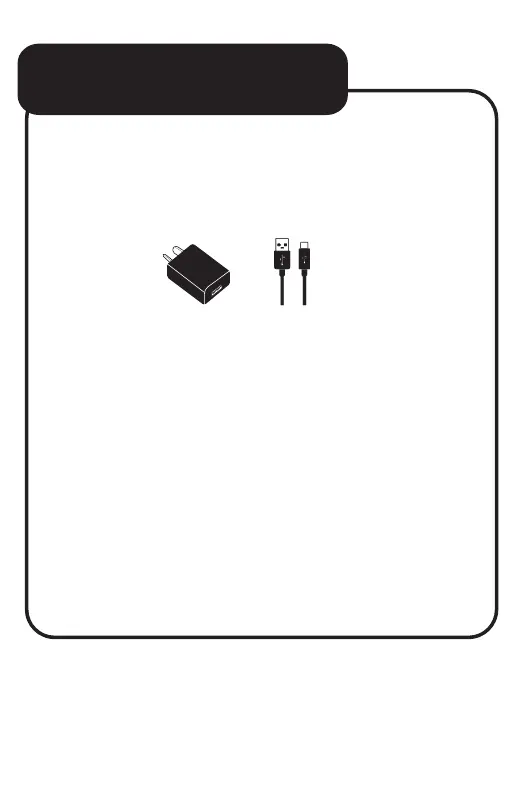
Connect your tablet to any 5V USB charger
or USB port on your computer using the
supplied USB-C cable.
You will be alerted when the battery
charge falls below 15%. If the battery is
completely depleted your tablet will
automatically turn off.
Note: If the battery has been completely
exhausted, it may take a few minutes to switch
on once charging has begun. Your tablet can
be used during charging however this may
increase the time needed to fully charge
the battery.
BATTERY CHARGING


 To Next Page