BATTERY USE REMINDERS
1. Remove worn-out batteries from equipment immediately and dispose of
promptly with the environment in mind.
2. Keep all batteries (used or new) out of the reach of children.
3. Check the batteries regularly and replace batteries if they have not been used
for a long time.
4. Never dispose of batteries in fi re, as they could explode.
5. Always replace all the batteries at the same time. Mixing old and new
batteries or mixing types (such as alkaline with zinc carbon) will reduce overall
performance and could cause leakage or rupture.
6. Do not mix different types of batteries (e.g. Ni MH, NiCd, alkaline, and etc) in the
mouse.
7. Remove batteries from the electrical device if the device is not going to be used
for a long time.
8. If the performance of the batteries decreases substantially, it is time to replace
the batteries.
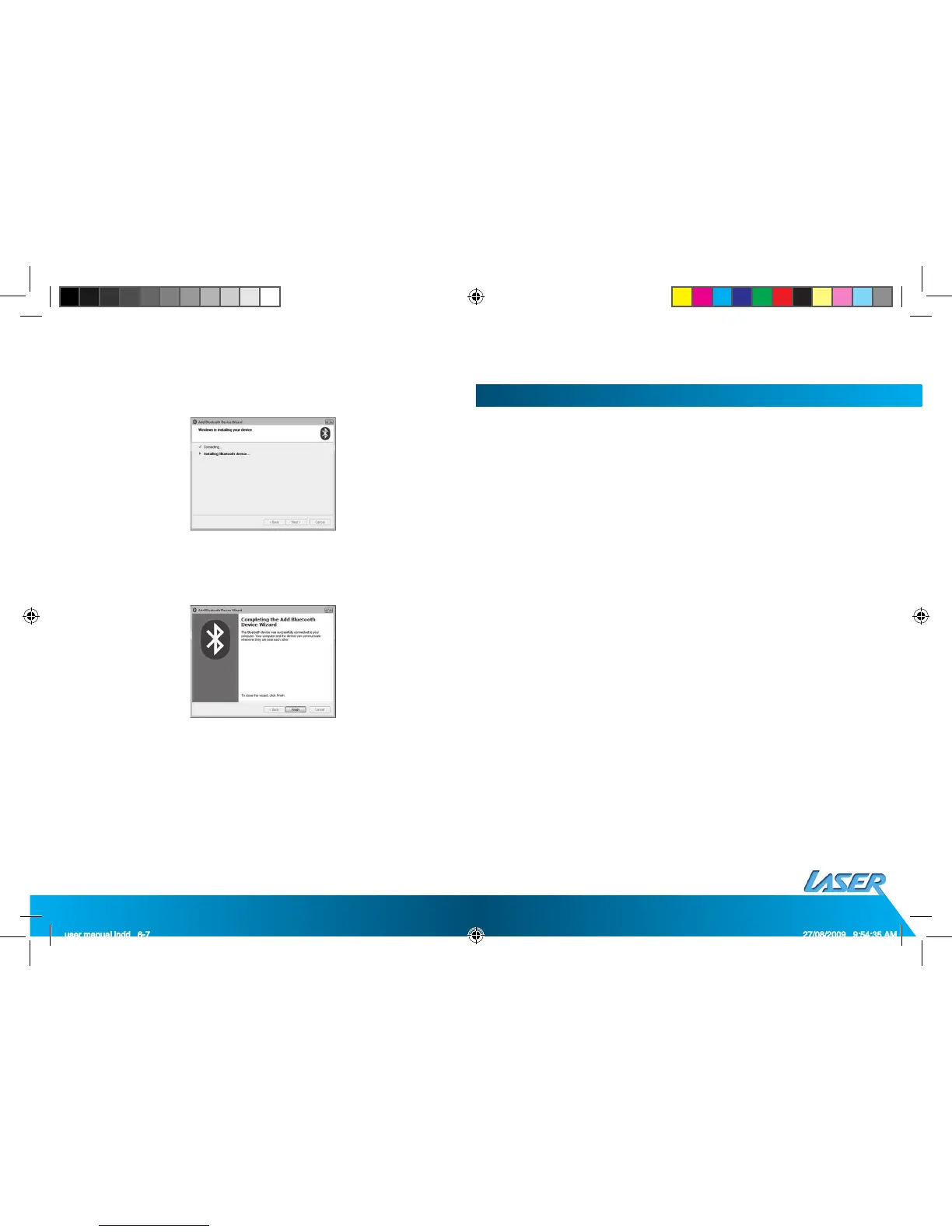
h. The Bluetooth device is now in connecting status.
i. The System will show an installment fi nished in the dialogue box; click “fi nish”.


 To Next Page
 Loading...