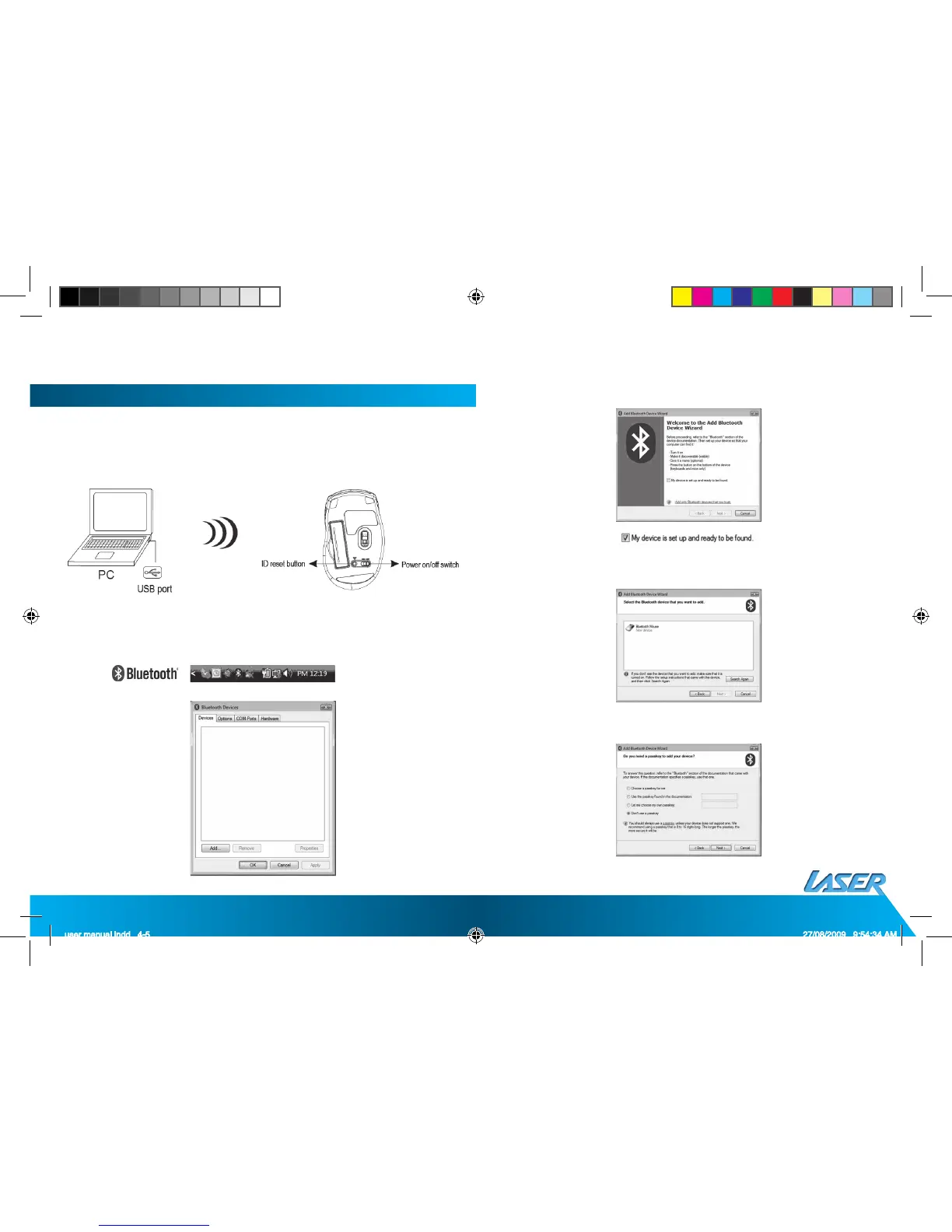
2. BLUETOOTH PAIRING (Built-in Bluetooth Device)
a. Turn on your PC.
b. Insert the batteries properly (please refer to “Hardware Installation”).
Make sure that mouse is in ‘power on’ status. Push the ID Button to enter
connecting status, the low power LED will be fl ashing slowly.
c. Click the “Bluetooth icon” to open the Bluetooth device in the control
panel or toolbar
d. Click “ add “
e. Please tick “My device is set up and ready to be found” and click “Next”
f. Choose “Laser BT Mouse” and click “Next”
g. please tick “Don’t use a passkey” and click “Next”



 To Next Page