08
EN
Information on maintenance and care
Clean all components with a damp cloth and do not use cleaning agents, scouring agents and solvents.
Remove the battery(ies) before storing for longer periods. Store the device in a clean and dry place.
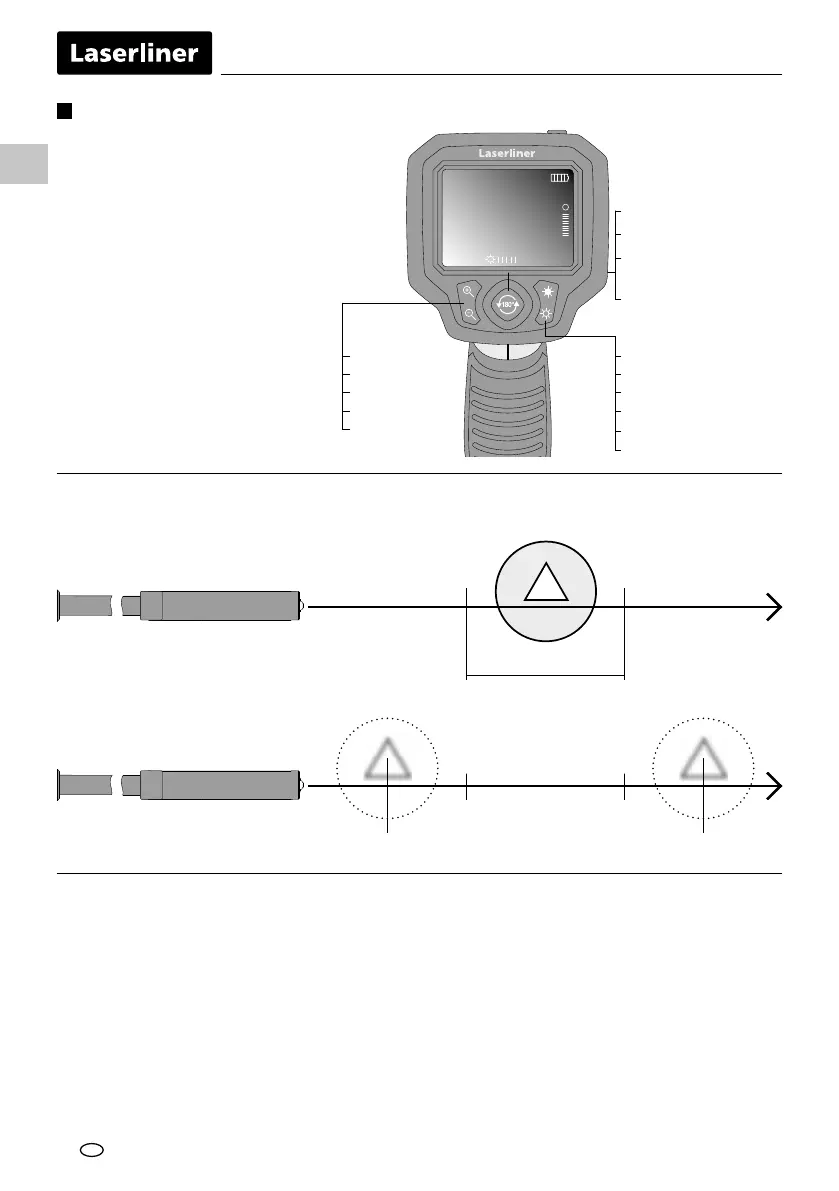
3 - 7 cm
< 3 cm > 7 cm
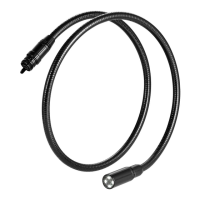
Camera head / Focus
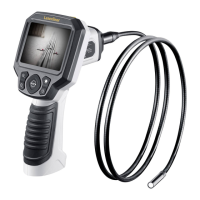
The VideoScope XL delivers sharp images in a range between 3 and 7 cm from the camera head.
Objects far outside this range may appear blurred.
5
Functions during transmission of images
Line up the camera head on the ex cable and
move it to the required position. If lighting
conditions are poor, switch on the LED lighting.
Zoom in on distant or small objects. The manual
image rotation function enables the image to
be mirrored and rotated by 180° on the monitor.
From the original
image
1x = Mirroring
2x = Rotation 180°
3x = Mirroring +
rotation 180°
4x = Original image
5
2.0x
+
0 = 0%
1 = 20%
2 = 40%
3 = 60%
4 = 80%
5 = 100%
1x = 120%
2x = 140%
3x = 160%
4x = 180%
5x = 200%



 To Next Page