06
2
5
4
3
OFFON
EN
When switching to a measuring location with significantly
different temperature and humidity levels, allow the device
time to adapt!
!
For measurements outside of the measuring range, the device
displays „HI“ or „LO“.
!
Switching off the device deletes the min/max values.
!
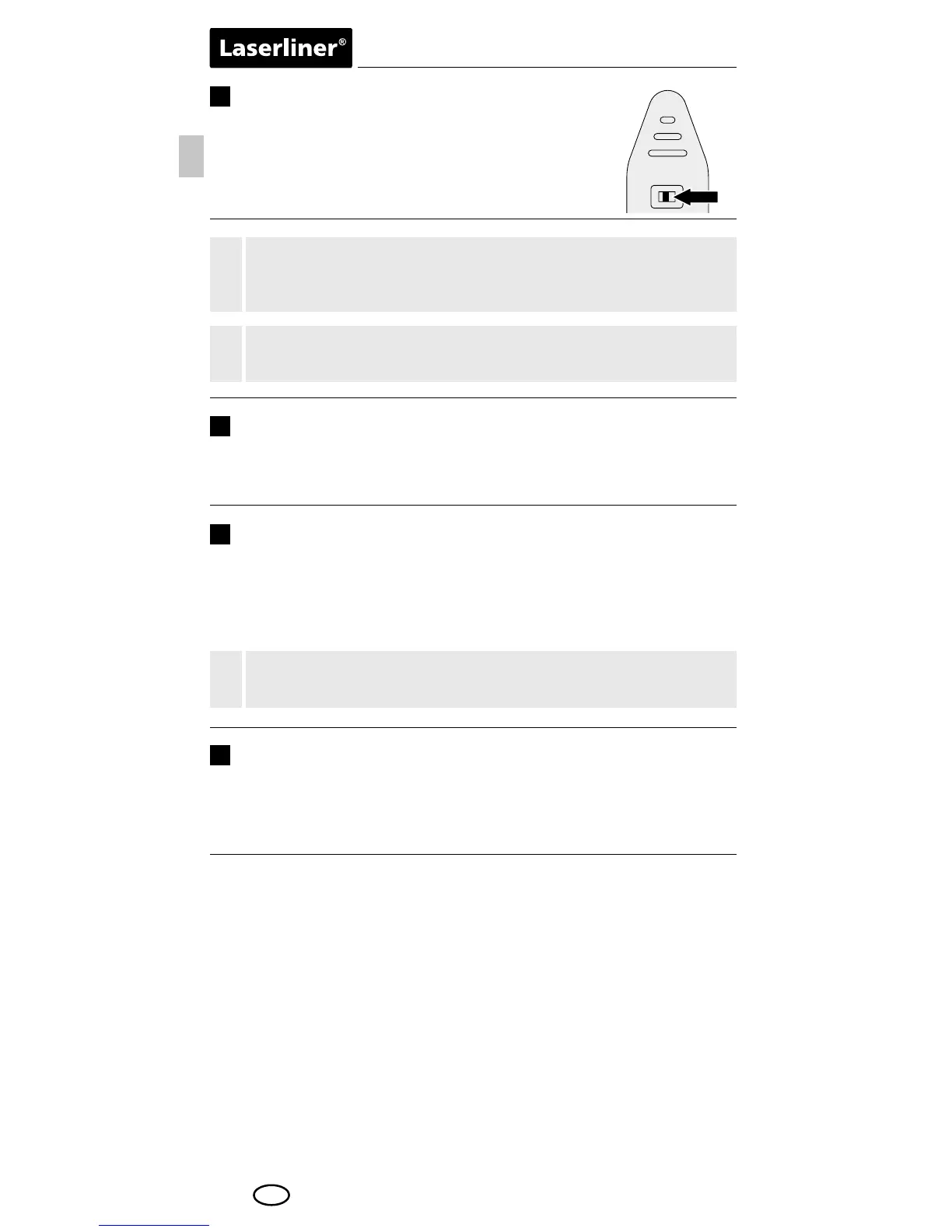
ON / OFF
To turn on, set the switch (5) to ON. The device
displays the ambient temperature and relative
humidity.
°C / °F
To set the desired temperature unit, press and hold the „MODE“
button for 2 seconds until the corresponding symbol appears
on the display.
MAX / MIN
Dew point display
To determine the maximum or minimum measured values during a
measurement, press and hold the „MAX / MIN“ button until either
„MAX“ or „MIN“ appear on the display. The normal measuring
mode is set when no function ashes on the display.
By briey pressing the „MODE“ button, the measured dew point is
displayed.
Notes
– This product is a precision instrument which must be handled
with care. Avoid impact and vibration as well as exposure to
extreme heat or cold.
– Avoid direct contact with liquids.
– Clean with a soft, damp cloth.



 To Next Page