3. Turn the spirit level by 180° and place it exactly
on the marked surface. Now press the ON/OFF
button (3). -2- ashes. Calibration is concluded
when the measured value appears on the display.
2. Press the ON/OFF button (3) again.
-1- ashes. The display then changes to -2-.
1. Place the measuring face (4) on an even surface
with position mark. Switch on device (3).
To access calibration mode simultaneously press
buttons 1 and 3. -1- appears on the display.
Calibration
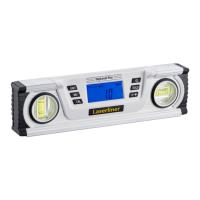
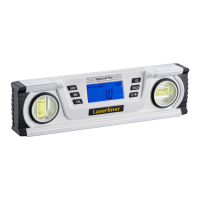
– Switch the DigiLevel Plus on using the on/off switch (3).
– The slope angle (8) is shown in the display. If slopes are
measured overhead, the direction of display adjusts automatically.
Make sure that the reference function is deactivated before measuring
(no REF in the display).
!
2
Switching on and measuring
1
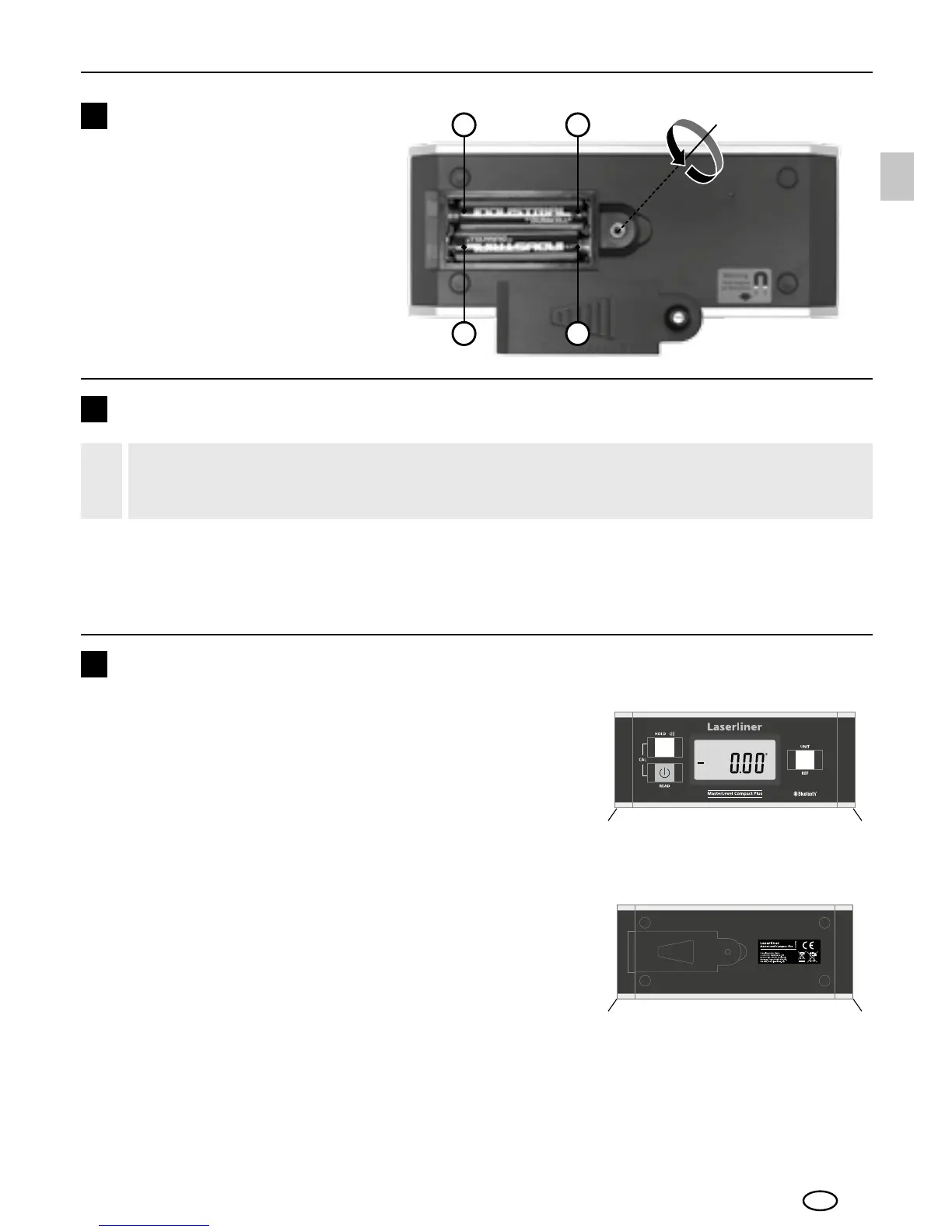
Inserting battery
Open the battery compartment
and insert battery according
to the symbols. Be sure to pay
attention to polarity.
EN



 To Next Page