12
2
4
3
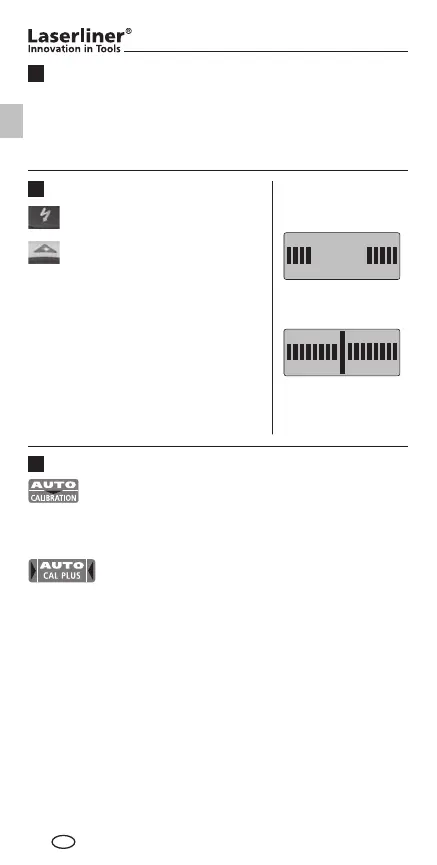
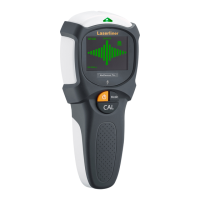
Calibration
Auto-Calibration
The automatic calibration is performed in Metal-Scan and
AC-Scan measurement immediately when the device is
switched on and when the measuring mode is switched.
Auto-Cal Plus
When an object has been found, the device performs another
automatic calibration in Metal-Scan measurement. This simplifies
the process of isolating objects to be measured and adjusting
the device to different surfaces.
metal, wire, object
found
metal, wire, object is
nearby
Metal-Scan and AC-Scan mode
Green = metal or live wire is
nearby
Red = metal or live wire found
Stud-Scan mode
Red: object is nearby
Green: object found
Symbols
Operation
Red = Live wire warning
Switch on: Briefly press the On/Off button (4).
Switch off: Keep the On/Off button (4) pressed for 4 seconds.
AutoShutOff: The device will automatically switch itself off
about 2 minutes after the last measurement.
GB
1_Manual_MultiFinder-Plus_Rev1112_DE-PL.indd 12 16.11.12 13:36




 To Next Page