14
B
C
4
A
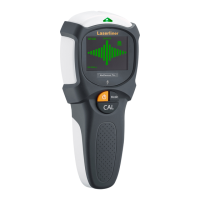
Isolate an object to be
measured by passing
over it several times.
Manual
calibration
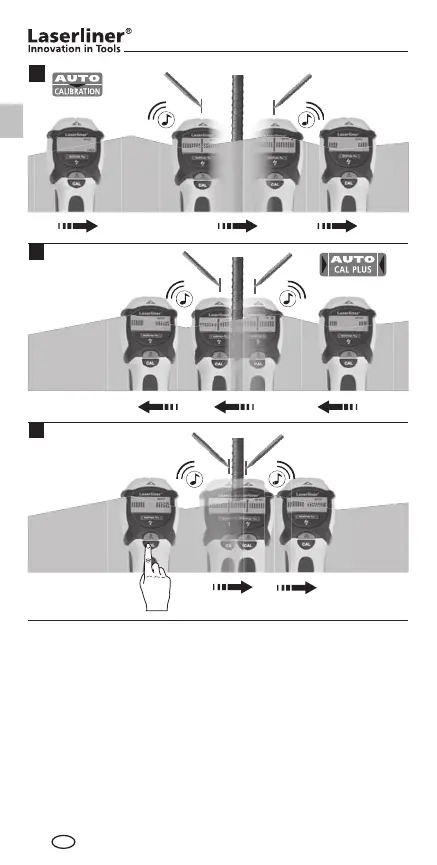
Tip 1: The position between the two markings is the mid-point
of the metal object. Through the high measuring sensitivity,
thick metal objects appear broader than they are in real life.
Therefore move the device over the newly found object as
shown in Image B. The device is calibrated automatically
during this process. Manual calibration should be performed
near the place found last as shown in Image C. Repeat this
step as needed.
GB
1_Manual_MultiFinder-Plus_Rev1112_DE-PL.indd 14 16.11.12 13:36




 To Next Page