17
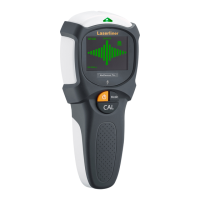
MultiFinder Plus
EN
Manual
calibration
If electric wires or metal or plastic pipes are located
near or in contact with a plaster fibreboard panel,
they may be identified by the MultiFinder Plus as studs.
!
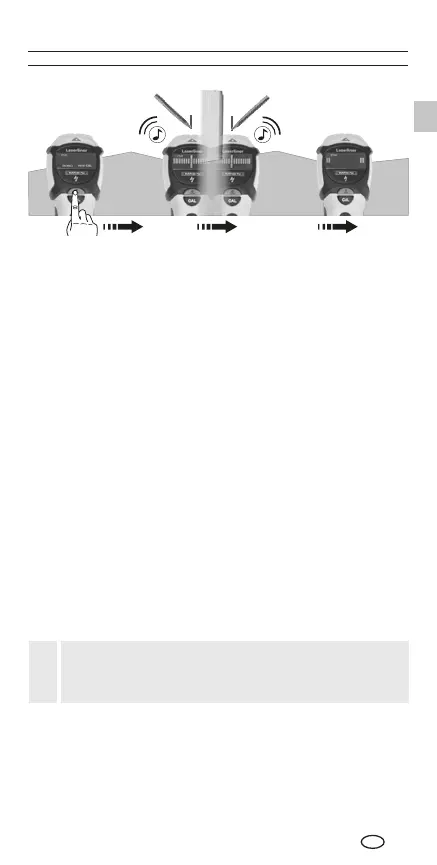
Tip 1: The position between the two markings is the mid-point
of the stud.
Tip 2: The position where you start is important: First place the
tool in a position where you know there is no stud. Otherwise,
the message “ERROR” will appear in the display. To remedy:
Move the tool to another position a few centimetres away and
start measuring again.
Tip 3: To avoid interference while scanning, keep your
free hand and other objects at least 15 cm away from the
MultiFinder Plus.
Tip 4: The MultiFinder Plus will only find the outside edge of
double studs and headers which may be fitted around doors,
windows and corners.
Tip 5: Ensure that you have really detected a stud. To do so,
check on both sides whether other studs are present at equal
distances, usually at 30, 40 or 60 cm. Also check that it is a
stud by scanning at several places directly above and below
the position of the first find.
Tip 6: Textured ceilings: The ceiling must be covered with
cardboard to protect it.
Note: If an object is deep inside a wall, the device may not
indicate it clearly.




 To Next Page