18
6
5
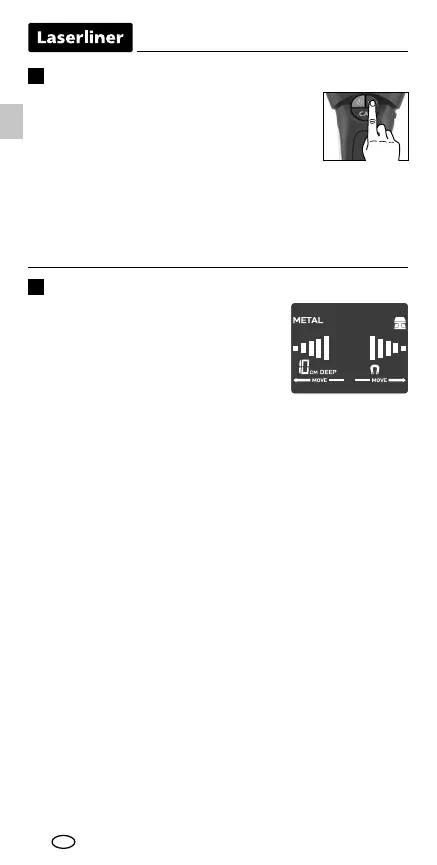
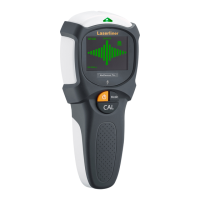
Measuring in METAL-SCAN mode
The tool is able to detect hidden metal in
all non-metallic materials, e.g. brick, con-
crete, screed, wood, plaster fibreboard,
gas concrete, ceramic and mineral buil-
ding materials. The device shows whether
the metal is magnetic or non-magnetic
and displays the depth. The depth display appears as soon as
the object has been clearly identified.
– Select METAL-SCAN (button e).
– As soon as “CAL OK” disappears, you can move the device.
– MOVE: Move the tool slowly across the surface.
Briefly press the Mode button (e).
METAL-SCAN: Detecting metal in all
non-metallic materials with a depth gauge up
to 10 cm (non-magnetic) and up to 12 cm
(magnetic).
AC-SCAN: Locating live wiring up to 2 cm directly under
non-metallic cladding.
STUD-SCAN: Detecting wooden wall beams and joists as well
as metal up to 4 cm in drywall structures under non-metallic
cladding.
Select measurement mode
EN





 To Next Page