13
5
A
B
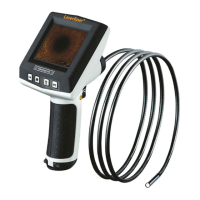
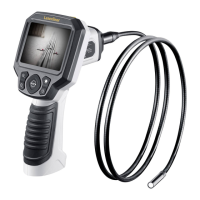
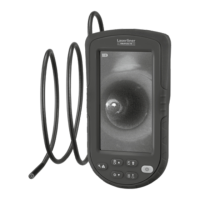
VideoPocket HD
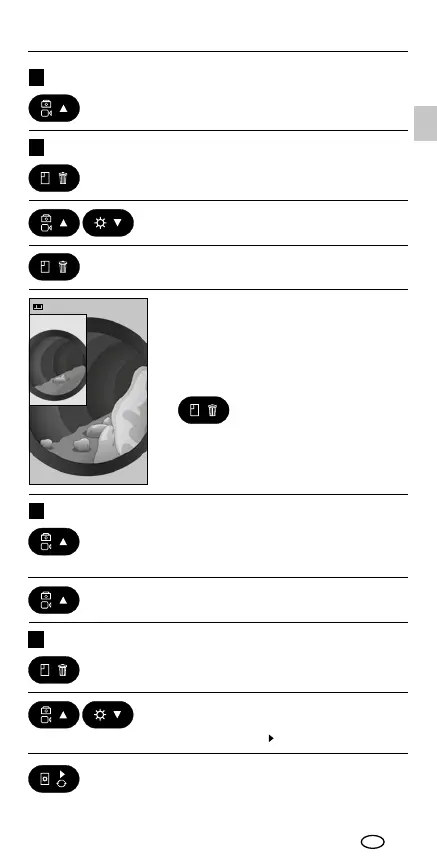
3. Replay video with the 'PLAY' button.
2. Select video with the 'next' and 'back'
button. Videos are marked with a
'PLAY' symbol (
)
1. Retrieve saved videos.
Play video recordings
8
2. To stop the video recording, press the
button again.
1. Set video mode: hold down the photo
and video button for 3 seconds. Video
recording will start automatically.
Video mode / take video7
Press the gallery button to fade out
the reference image (A).
4. Selected reference image (A) appears
on the display, the live view is running
in the background (B) for comparison.
3. Conrm selected reference image (A)
with the gallery button.
2. Select reference image by pressing
'next' and 'back' button.
1. Retrieve reference image by pressing
the gallery button.
Compare image function
6
Press button once
Take photo
EN



 To Next Page