14
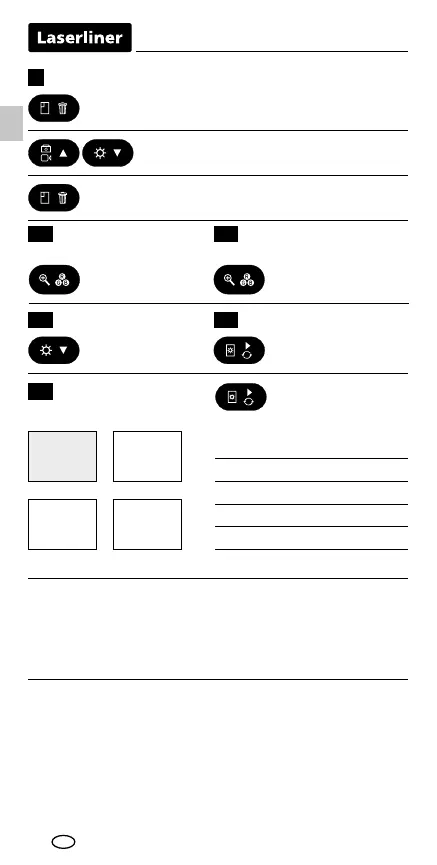
1. Retrieve saved media by pressing
the gallery button.
2. Select image/video with the
'next' and 'back' button.
3. To delete, hold down the gallery
button.
9
Switch between
colour/bw
Zoom (4 steps)
10 11
Delete image/video
EN
Press button
Press button
briey
Hold button down
for 3 seconds
Press button
briey
Brightness (10 steps) 1312 Contrast (10 steps)
F
F
F
F
1x4x
2x3x
Hold rotation button
down for 2 seconds
1x = Horizontal mirroring
2x = Rotation 180°
3x = Vertical mirroring
4x = Original image
From the original image
USB data transfer
Data saved on the SD card can be transferred to PC either with
a suitable card reader or directly via the USB port. Please refer to
the manual supplied with your card reader for information about
connecting your card adapter or card reader to a PC.
Information on maintenance and care
Clean all components with a damp cloth and do not use cleaning
agents, scouring agents and solvents. Remove the battery(ies)
before storing for longer periods. Store the device in a clean and
dry place.
Image rotation
14



 To Next Page