EasyManua.ls Logo

LATICRETE STRATA_HEAT - User Manual

LATICRETE STRATA_HEAT
20 pages
Print Icon
To Next Page IconTo Next Page
Loading...
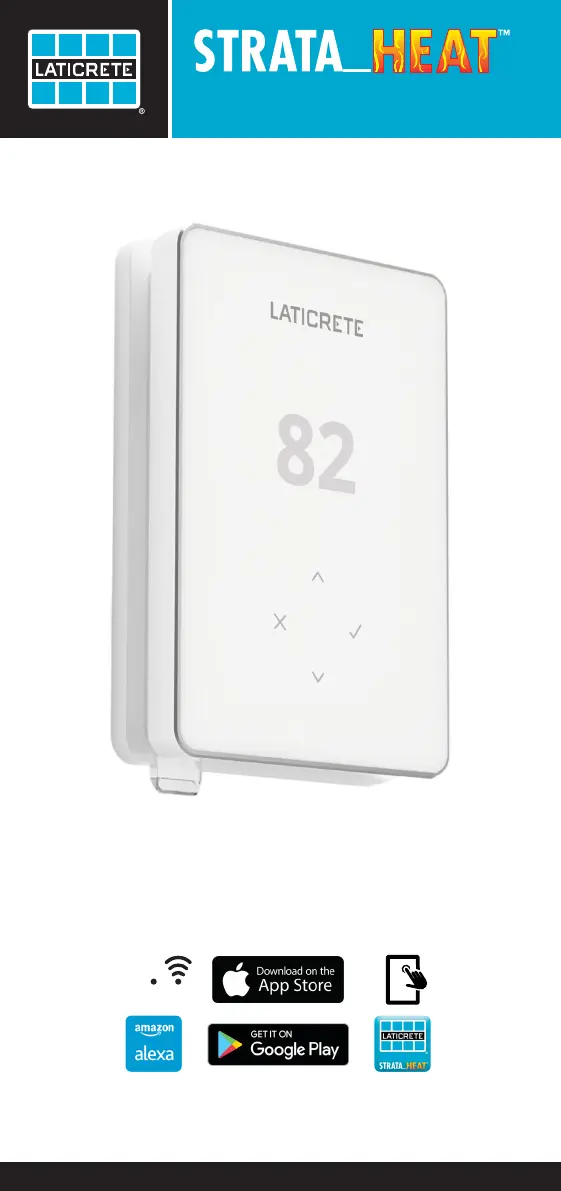
Wi-Fi Thermostat
Operating Manual
Wi-Fi

Other manuals for LATICRETE STRATA_HEAT

Questions and Answers

Summary

Safety Information

Installation Guide

Guidance on isolating power, unclipping the display, and mounting the thermostat base.

Wiring Connections

Step 2: Terminal Wiring Overview

Details on connecting power, load, and sensor wires to the thermostat terminals.

Wiring Diagrams

Diagram: 40 A Heating Load with Relay 25

Illustrates wiring for 40A heating loads connected to the thermostat and Relay 25.

Diagram: 25 A Heating Load with Relay 25

Illustrates wiring for 25A heating loads connected to the thermostat and Relay 25.

Thermostat Mounting

Step 3: Physical Mounting Procedure

Instructions for securing the thermostat power base and reattaching the display unit.

Initial Setup

Step 4: App Download and QR Scan

Guide to downloading the MySTRATA_HEAT app and initiating setup via QR code.

Getting Started with Your Thermostat

Quick Temperature & Mode Adjustment

Learn how to quickly change the target temperature and heating modes on the thermostat.

Heating Control Features

Setting Up a Heating Program

Instructions for programming comfort temperatures at specific times and days.

Setting Back Temperature

Configure a lower energy-efficient temperature for periods outside of scheduled heating.

Advanced Heating Operations

Manual Mode Operation

How to set a fixed target temperature indefinitely or for a set duration.

Temporary Override Function

Set a temporary target temperature that overrides the current program for a period.

Energy Monitoring

Energy Usage Insights

Understand how to use the Energy Monitor to track heating consumption and costs.

Geo Location Features

Geo Location System Setup

Learn how Geo Location technology optimizes heating based on your presence.

Thermostat Settings Configuration

Date and Time Settings

Procedure to set the current date and time on the thermostat.

Thermostat Application Selection

Choose the correct thermostat application based on your heating system type.

Sensor Probe Configuration

Configure sensor probe types (Control/Limit) and their resistance settings.

Display and Brightness Adjustment

Adjust screen brightness for active use, day standby, and night standby modes.

Advanced Settings and Features

Homescreen Color and Window Function

Customize homescreen color and enable the open window detection feature.

Display Lock and Wi-Fi Setup

Manage display lock codes and configure Wi-Fi connectivity via the MySTRATA_HEAT app.

Factory Reset Option

Steps to restore the thermostat to its original factory default settings.

Notifications and Error Codes

Common Thermostat Notifications

List of notifications for time, heating status, overrides, holiday, and frost protection.

Thermostat Error Indicators

Understand error codes related to sensors, Wi-Fi setup, GFCI, and relay failures.

Troubleshooting Guide

Troubleshooting: Blank Display & Heating Issues

Diagnose issues with a blank display or heating starting earlier than programmed.

Troubleshooting: Wi-Fi Connectivity

Steps to resolve Wi-Fi errors and disconnected status on the thermostat.

Troubleshooting Common Icons

Clock, GFCI, and Relay Icon Issues

Guidance on troubleshooting time/date, GFCI test, heater, and relay errors indicated by icons.

Wi-Fi Connectivity Troubleshooting

Technical Specifications

Product Warranty Information

LATICRETE STRATA_HEAT Specifications

General IconGeneral
BrandLATICRETE
ModelSTRATA_HEAT
CategoryThermostat
LanguageEnglish

Related product manuals