8
LAUNCH CRP 429HD User's Manual
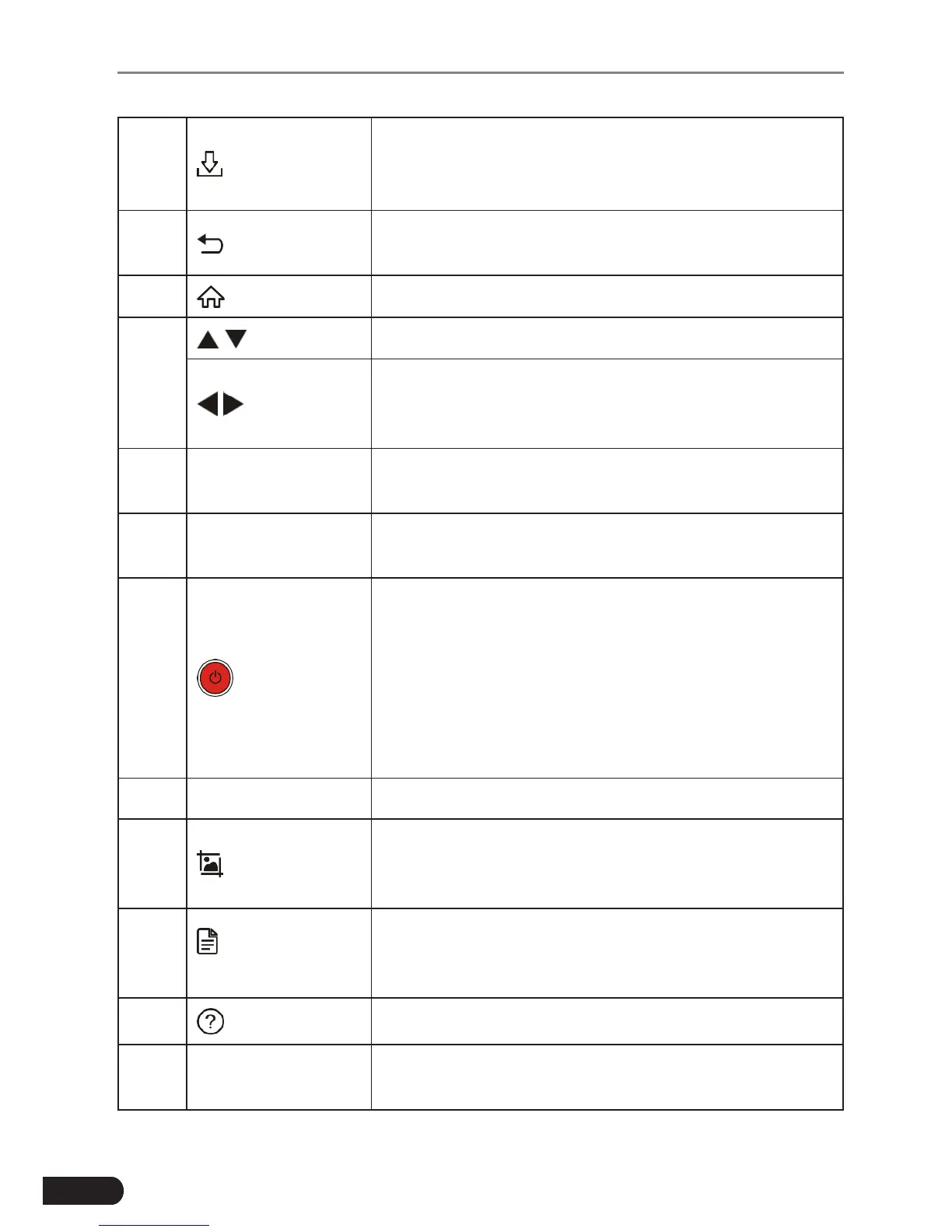
4 Update
A quick access to the Update module.
*Note: This funcon requires a stable network
connecon.
5 Return
Exit the current program or return to the previous
screen.
6 HOME Press to the home(Job menu) screen.
7
/
Move cursor up and down for selection.
/
Move cursor left or right for selection; Or turn
page up and down when more than one page is
displayed.
8
OBD-16
connector
To connect to vehicle's DLC (Data Link Connector)
via diagnostic cable.
9 5V Charging port
To connect to external DC power for charging
CRP 429HD.
10
Power
• In Off mode, press it for about 5 seconds to turn
the handset on.
• In On mode:
• Press it to activate the LCD if the LCD is off.
• Press it to turn off the LCD if the LCD lights
up.
• Press it for 3 seconds to turn it off.
11 OK Conrmsaselection(oraction)fromamenulist.
12 Screenshots
Press it once to capture the current screen. All
screenshots are saved in the “Image” folder of
“Data”.
13
Diagnostic
Reports
A quick dial to the “Diagnostic Reports” module.
Alternatively, it can also be accessed by “Data” ->
“Diagnostic Report”.
14 Help Provides detailed descriptions/tips for diagnostics.
15 Charging LED
Red means Charging and Green means Fully
Charged.



 To Next Page