25
LAUNCH CRP 429HD User's Manual
EN
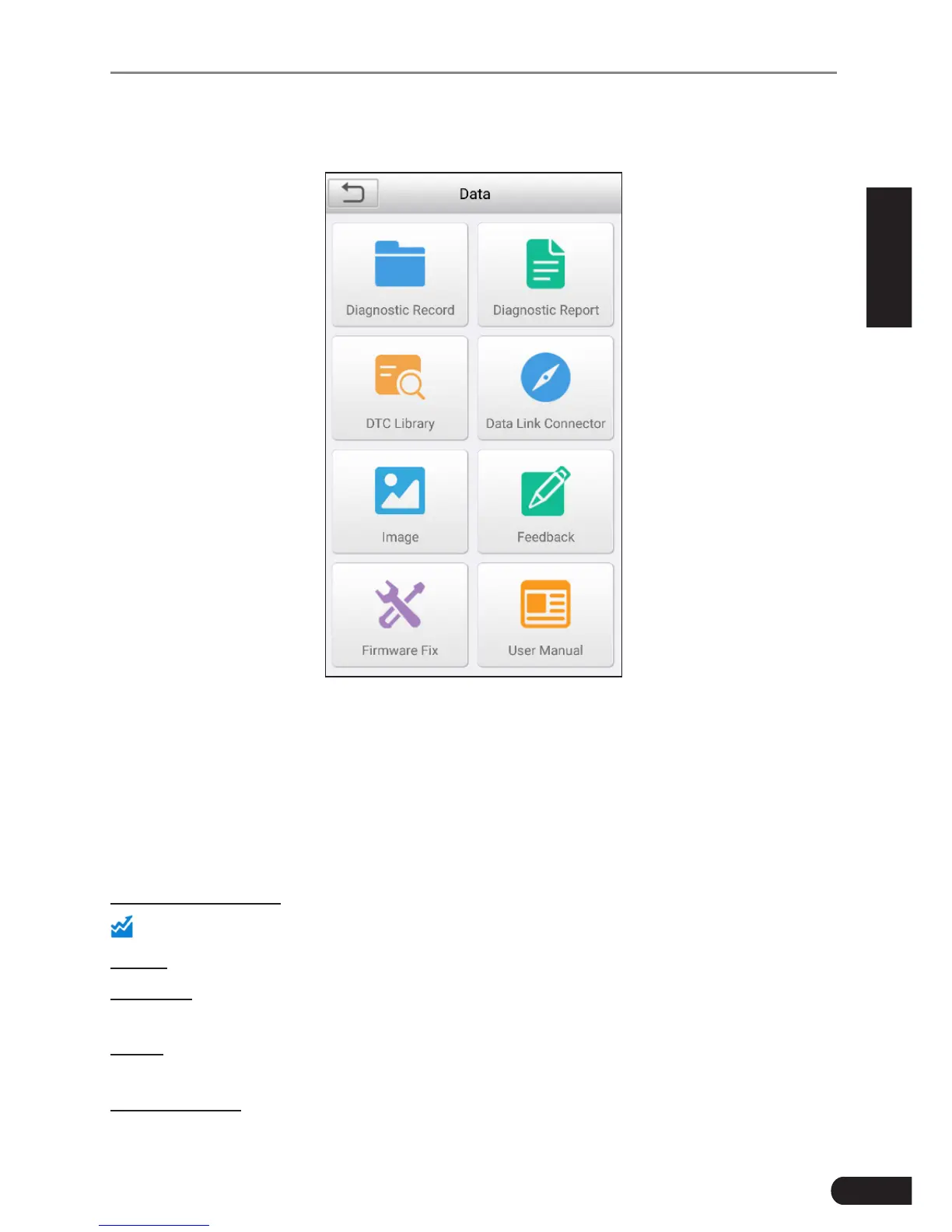
7. Data
Fig. 7-1
7.1 Diagnostic Record
If user records the running parameters or waveform graphs while reading data
stream, it will be saved as diagnostic records and appear under this tab.
Tap “Diagnostic Record” to enter, select and tap the desired data stream items
and tap “OK” to jump to the playback page.
On-screen Buttons:
: Tap it to view the waveform graph of the current data stream item.
Graph–displaystheparametersinwaveformgraphs.
Combine–thisoptionismostlyusedingraphmergestatusfordatacomparison.
In this case, different items are marked in different colors.
Value–thisisthedefaultmodewhichdisplaystheparametersintextsand
shows in list format.
Auto Playback–playsbacktherecordeddatastreamitemsautomatically.



 To Next Page