14
LAUNCH CRP 429HD User's Manual
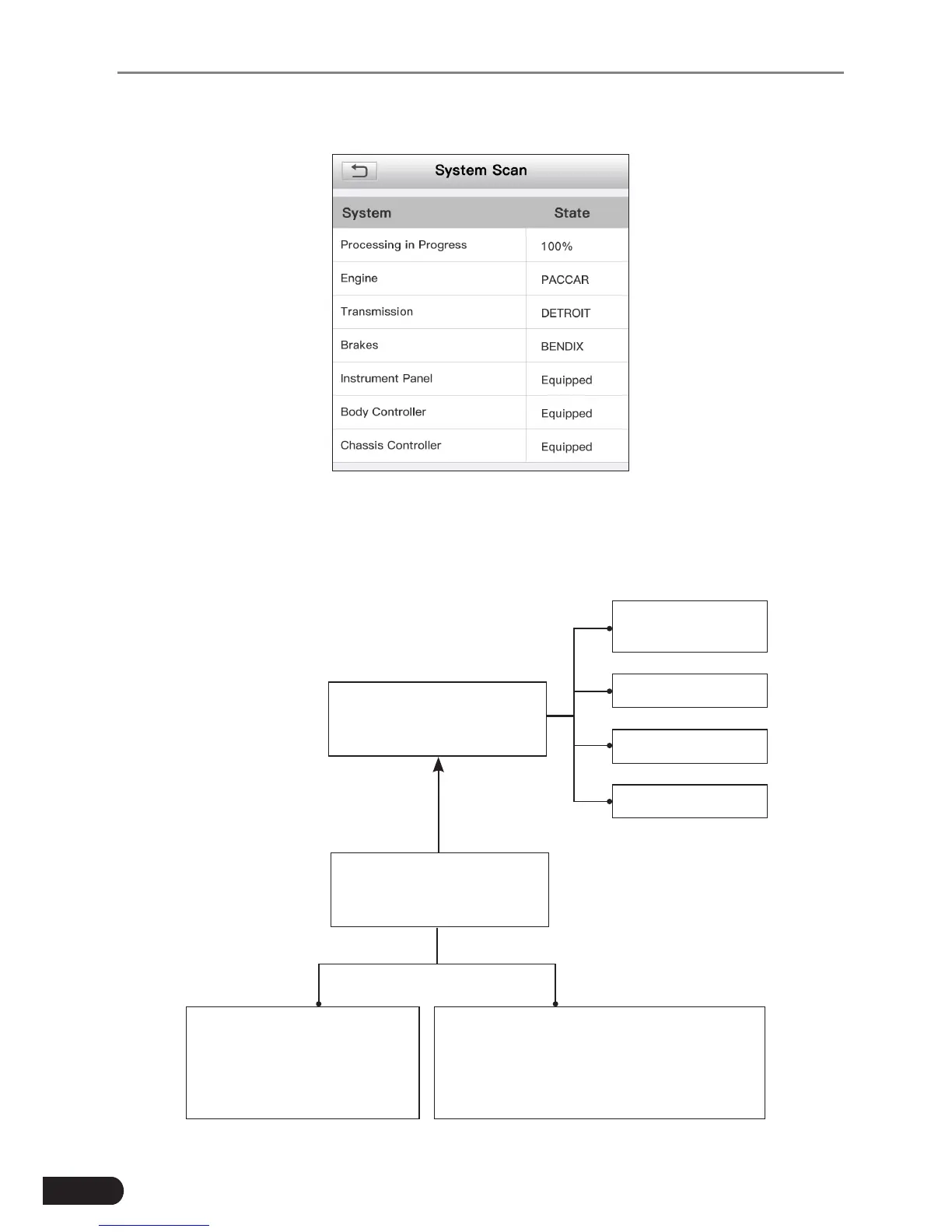
After the scanning is complete, a screen similar to the following displays.
Fig. 5-1
Tap the desired system, and then follow on-screen instructions to start a
diagnosticsession.Oncethevehiclediagnosisisnished,thesystemwilloutput
a diagnostic report. For details on manual diagnosis, see Chapter 5.2.2.
Automatic
(Note: This mode allows
your tool to scan the vehicle
test system automatically)
Manual Select
(Note: In this case, you need to choose the
desired system manually. Just follow the
on-screen instructions to proceed.)
Select test system
Select test function
Read version
information
Read fault code
Clear fault code
Read data stream
Fig. 5-2



 To Next Page