19
LAUNCH CRP 429HD User's Manual
EN
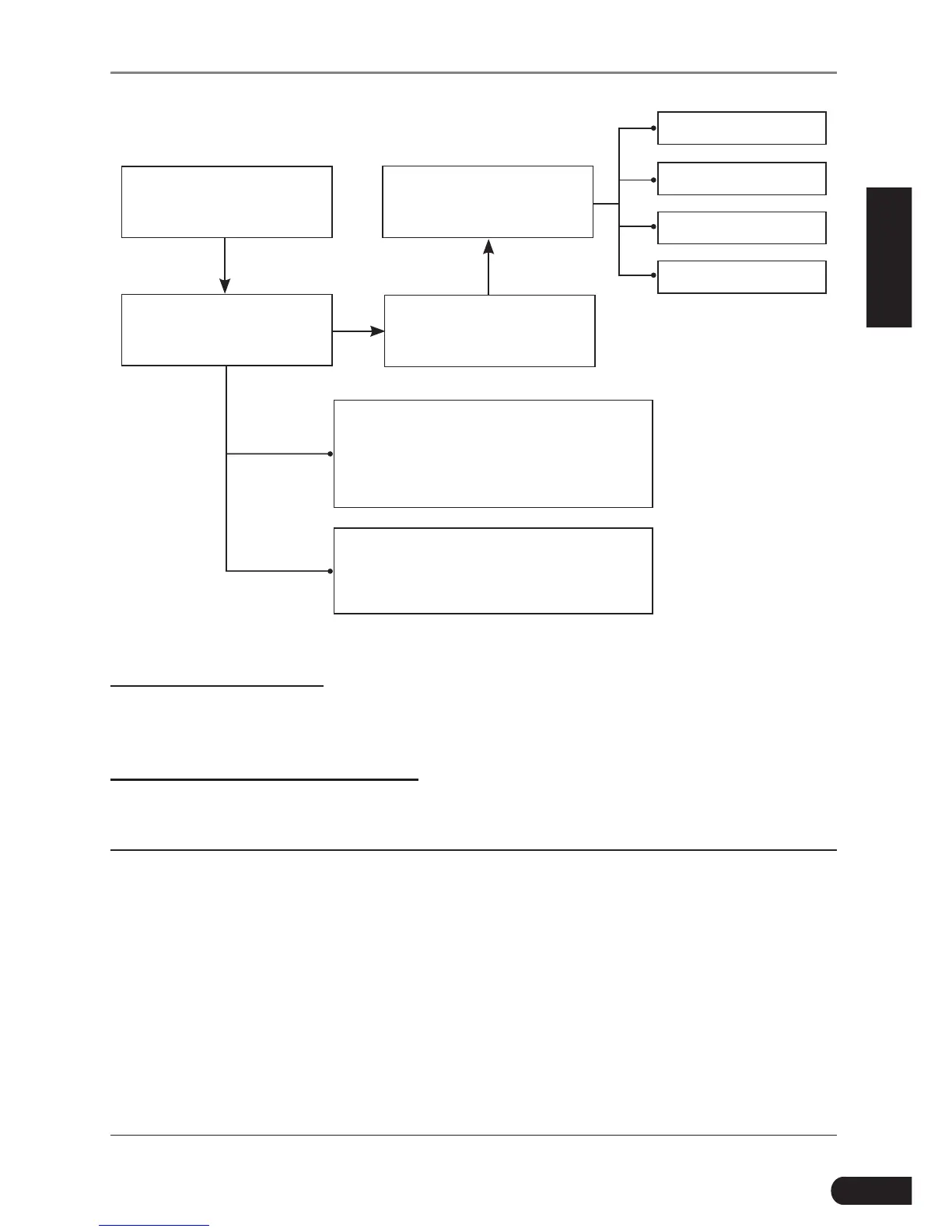
Select “HD OBD”
Manual Select
(Note: In this case, you need to choose the
desired system manually. Just follow the
on-screen instructions to proceed.)
Automatic
(Note: This mode allows your tool to scan
the vehicle test system automatically)
Select test system
Select test function
Select system search
mode
System information
Read fault code
Clear fault code
Read data stream
Figure 5-6
1. System Information
This function is used to read the version information of system mode, vehicle
VIN, software and ECU.
2. Read diagnostic trouble code
This option is used to read the current activated or historical activated trouble
codes.
*Note: Diagnosc Trouble Codes or Fault Codes can be used to idenfy which engine
systems or components that are malfunctioning. The on-board computer records
codes of the following two types of engine problems.
• “Hard”DTCs: represent problems that are occurring now and cause the instrument
panel Malfunction Indicator Lamp (MIL) or Check Engine Light to illuminate and
remain on unl the failure is repaired.
• Intermittent/HistoryDTCs: represent problems that occur intermittently, or
happened in the past but are not currently present. Intermittent DTCs may
cause the Malfunction Indicator Lamp to flicker or stay on until the intermittent
malfunction goes away. However the corresponding fault code will be stored in
memory as a history DTC.



 To Next Page