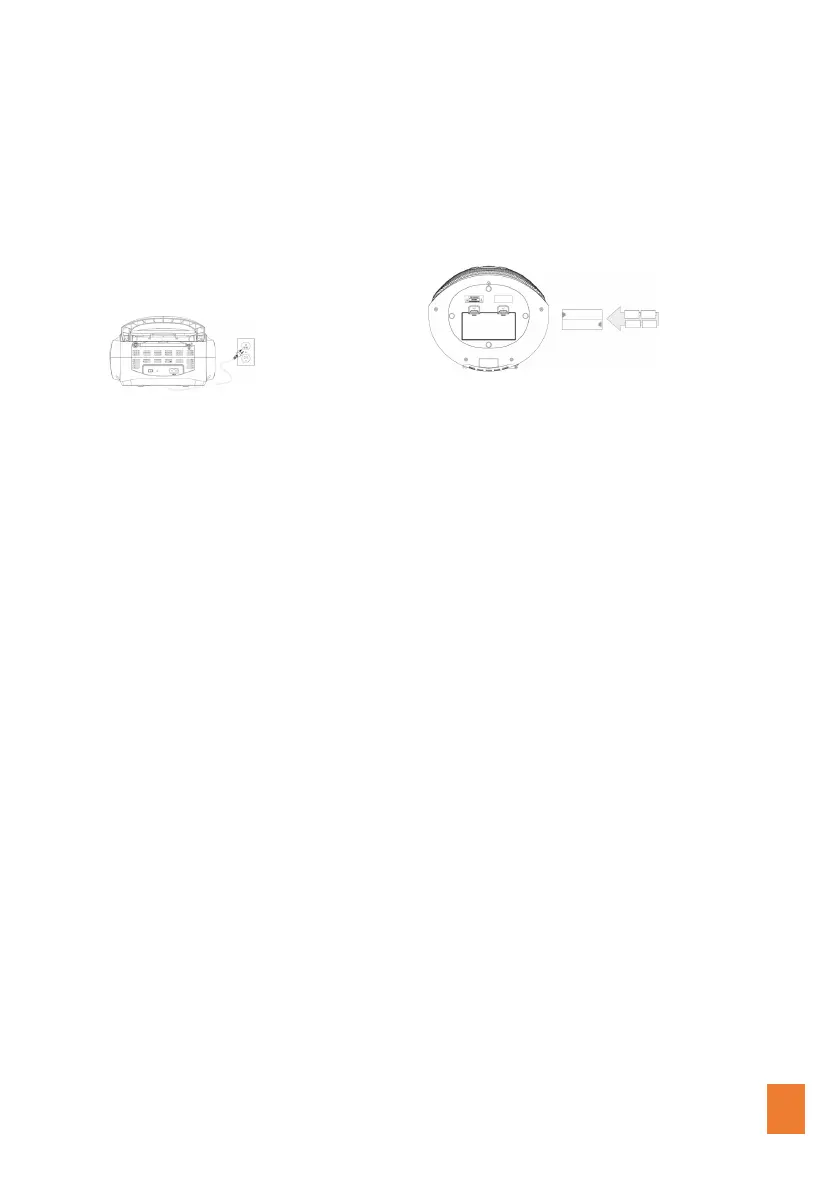
POWERING THE UNIT
AC Power
Plug the AC cord into a standard AC outlet
(100-240V~ 50/60Hz)
Battery Power
Requires 4 C batteries, not included.
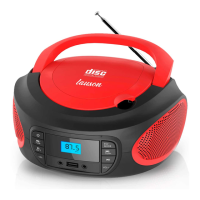
TUNING THE FM RADIO
• Step 1: Adjust the Mode Button to FM mode. Extend the FM antenna
to improve FM radio reception.
• Step 2: Short press PREV or NEXT to jump to the previous or next
available station.
PLAYING A CD
• Step 1: Open the CD door, place a CD or CD-R/RW INTO THE PLAYER.
• Step 2: Adjust the Mode to CD mode.
• Step 3: Press the Play/Pause Button to begin playing the loaded CD.
USING THE AUXILIARY INPUT
• Step 1: Connect a mini-phone 3.5mm Cable (not included) to the
Auxiliary. Input on the unit and the audio output on an MP3 player.
• Step 2: Adjust the Mode to AUX IN mode. Audio played through the
connected MP3 player will now be heard through the unit.
mini-phone 3.5mm Cable (not included)


 To Next Page