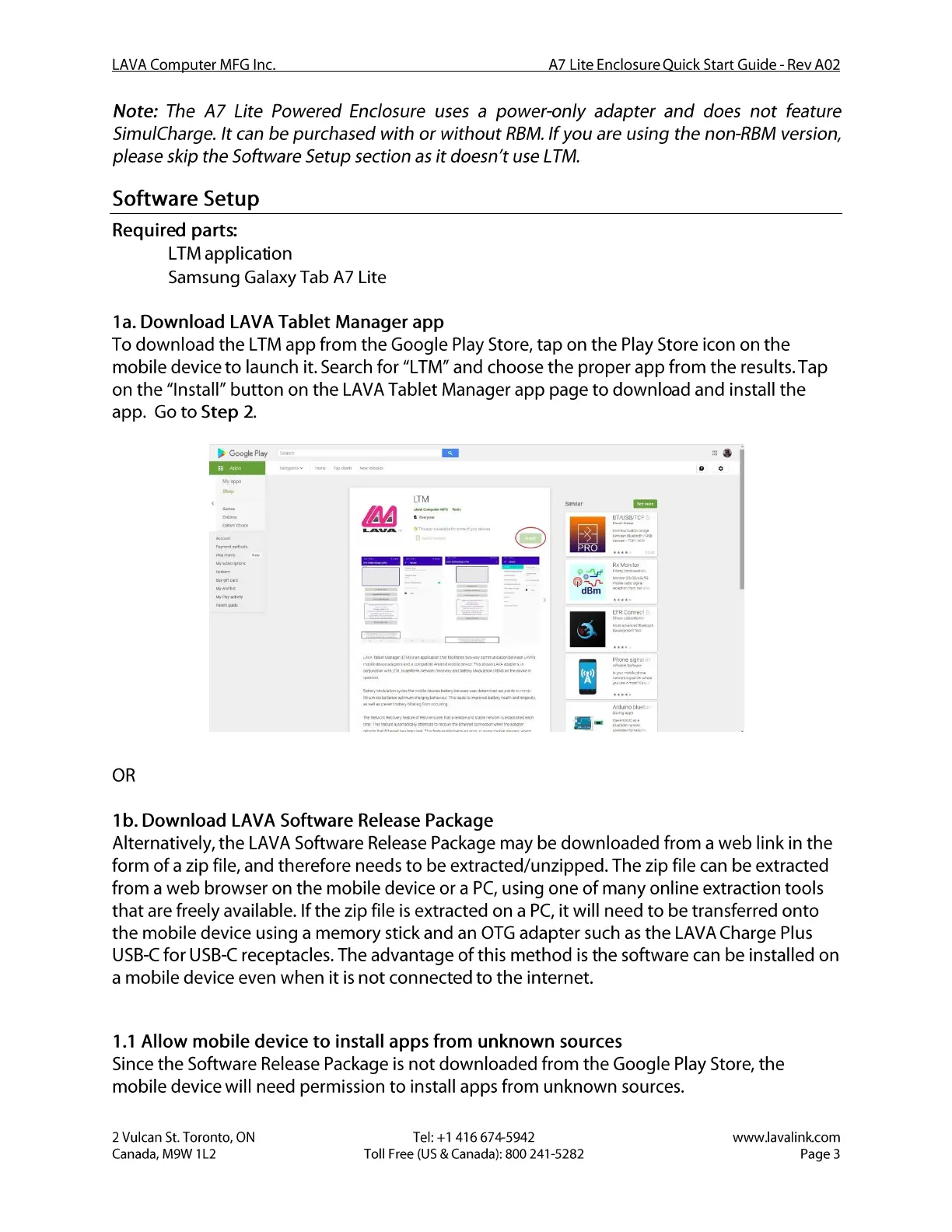
Figure 1: LTM app on Google Play Store
LAVA Computer MFG Inc.
A7 Lite Enclosure Quick Start Guide - Rev A02
Note: The A7 Lite Powered Enclosure uses a power-only adapter and does not feature
SimulCharge. It can be purchased with or without RBM.If you are using the non-RBM version,
please skip the Software Setup section as it doesn't use LTM.
Software Setup
Required parts:
• LTM application
• Samsung Galaxy Tab A7 Lite
la. Download LAVA Tablet Manager app
To download the LTM app from the Google Play Store, tap on the Play Store icon on the
mobile device to launch it. Search for "LTM" and choose the proper app from the results. Tap
on the "Install" button on the LAVA Tablet Manager app page to download and install the
app. Go to Step 2.
Google may
LTM
dBm
Figure 1: LTM app on Google Play Store
OR
1b. Download LAVA Software Release Package
Alternatively, the LAVA Software ReleasePackage may be a web link in the
form of a zip file, and therefore needs to be extracted/unzipped. The zip file can be extracted
from a web browser on the mobile device or a PC,using one of many online extraction tools
that are freely available. If the zip file is extracted on a PC,it will need to be transferred onto
the mobile device using a memory stick and an OTG adapter such as the LAVA Charge Plus
USB-Cfor USB-Creceptacles. The advantage of this method is the software can be installed on
a mobile device even when it is not connected to the internet.
1.1 Allow mobile device to install apps from unknown sources
Since the Software ReleasePackage is not downloaded from the Google Play Store, the
mobile device will need permission to install apps from unknown sources.
2 Vulcan St. Toronto, ON
Canada, M9W I L2
Tel: +1 416 674-5942
Toll Free (US & Canada): 800 241-5282
www.lavalink.com
Page 3


 To Next Page
 Loading...