2
2 Front camera 8 Volume Key
3 Menu key 9 Power Key/Lock key
4 Home key 10 Rear camera
5 Light sensor 11 Back flash light
6 Front flash light 12 Speaker
1.2. Standby Screen & Icons
This phone provides multiple Standby screens. Through the instruction and various
icons on the screen, you can have the operating information needed.
Status Icon Description
Signal indicator for SIM
Using headset
Alarm
Bluetooth on
Device connected USB
2. GETTING STARTED
Please read the safety instructions in the "Safety Information and Notices" section
before use.
2.1. Inserting the SIM card
To insert SIM card:
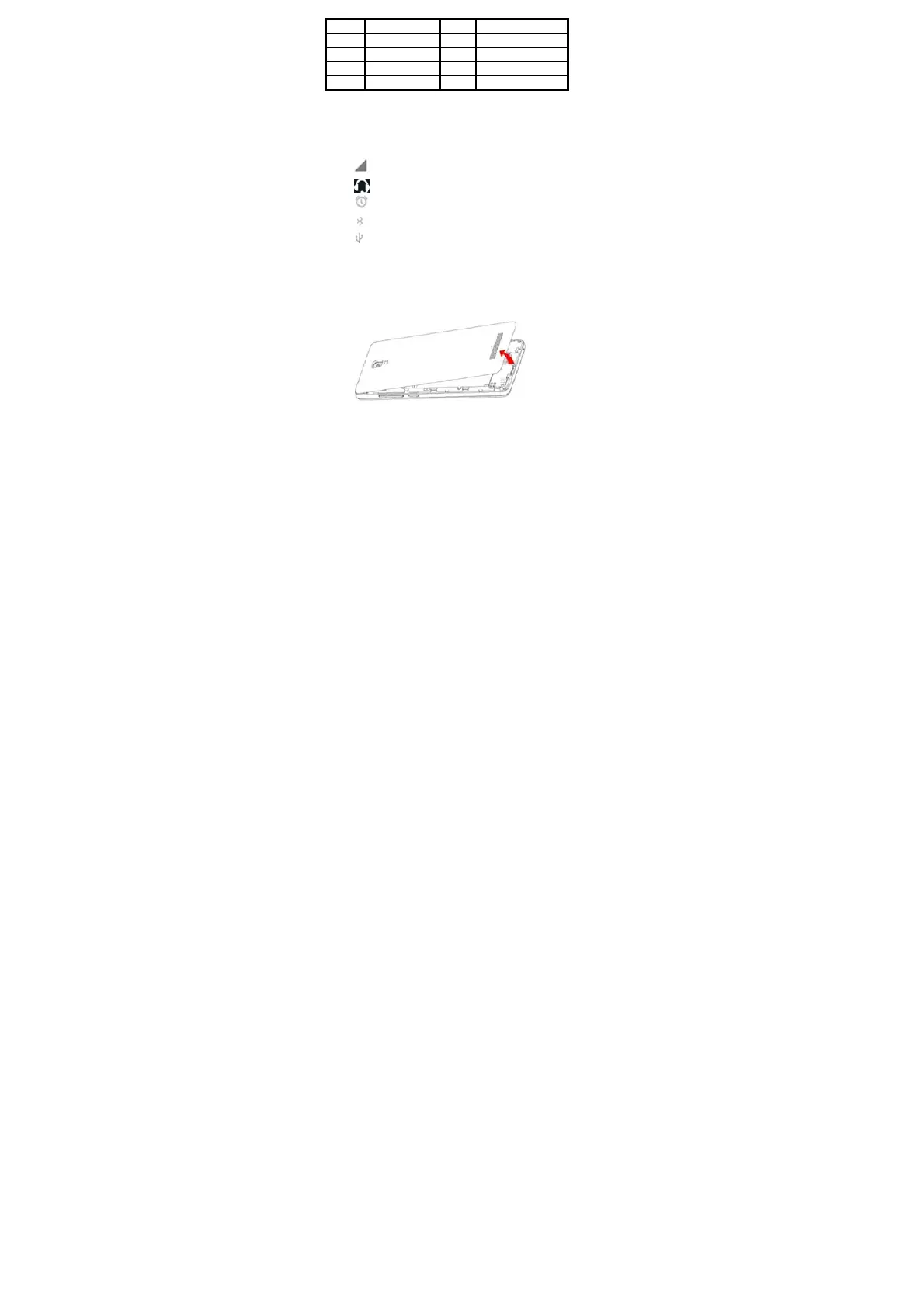
Switch off the mobile phone and remove the rear cover and battery.



 To Next Page