
 Need help?
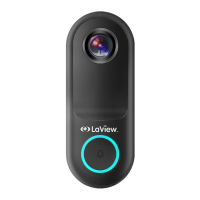
Do you have a question about the LaView DB5 and is the answer not in the manual?
Standard procedure for installing the doorbell on a wall surface.
Steps for installing the doorbell using an angled wall mount and bracket.
Instructions for downloading the LaView mobile application for iOS and Android.
Guidelines for configuring your router, emphasizing 2.4GHz band and password requirements.
Steps to register a new account and agree to terms within the LaView app.
Setting up a family, rooms, and initiating the device addition process in the app.
Inputting Wi-Fi credentials to connect the doorbell to the network.
Using the camera to scan a QR code displayed on the mobile app for pairing.
Adjusting common camera settings and functions within the app interface after setup.
Explains two-way audio communication and motion alerts for the doorbell.
Features for sharing the device and recording video clips using SD card storage.
Details the camera's ability to provide clear images in both daylight and complete darkness.
Troubleshooting common problems related to Wi-Fi connection and device preview.
Resolving problems with device recognition and SD card compatibility or formatting.
 General
| Video Resolution | 1080p |
|---|---|
| Field of View | 166° |
| Two-Way Audio | Yes |
| Motion Detection | Yes |
| Resolution | 1920 x 1080 |
| Night Vision | Yes |
| Connectivity | Wi-Fi |
| Storage | MicroSD card (up to 128GB), Cloud |

 To Next Page