EasyManua.ls Logo

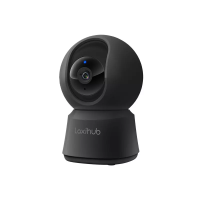
laxihub P2 - Page 2

laxihub P2
5 pages
Print Icon
To Next Page IconTo Next Page
To Previous Page IconTo Previous Page
Loading...
EN
Quick start guide
1. Packing list
2. Product description
3. Installation
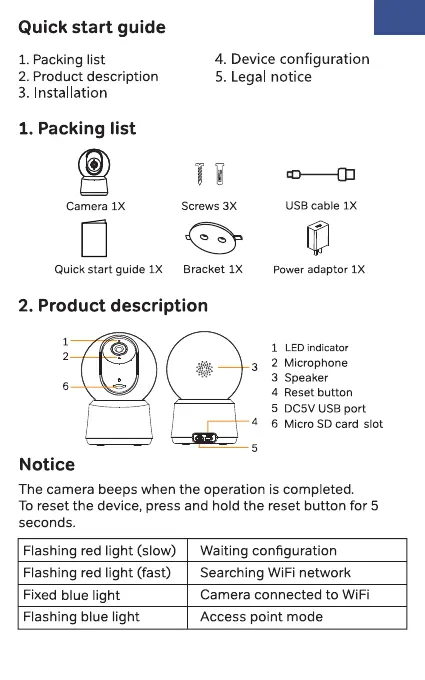
1. Packing list
Camera IX
En
4. Device configuration
5. Legal notice
Screws 3X
USB cable IX
Power adaptor IXQuick start guide IX Bracket IX
2. Product description
1
2
6
Notice
3
4
5
1
2
3
4
5
6
LED indicator
Microphone
Speaker
Reset button
DC5V USB port
Micro SD card slot
The camera beeps when the operation is completed.
To reset the device, press and hold the reset button for 5
seconds.
Flashing red light (slow)
Flashing red light (fast)
Fixed blue light
Flashing blue light
Waiting configuration
Searching WiFi network
Camera connected to WiFi
Access point mode

Related product manuals