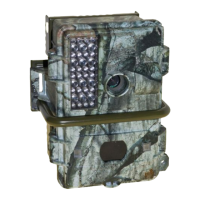
Need help?
Do you have a question about the leaf river IS7SS and is the answer not in the manual?
Details the required battery types and correct installation procedures.
Explains various methods and tips for securely attaching the camera.
Explains the event counter, its reset, and the "MEMORY FULL" indication.
Describes the LCD display icons for battery status and operating modes, and the work button.
Configures delay between shots and multi-shot capabilities.
Adjusts detection range and explains the camera's test mode functionality.
Details using SD cards and connecting via USB or TV Out for data transfer.
Step-by-step guide to format SD/MMC cards for optimal use.
Explains the function of the infrared illuminator for night vision.
Overview of the camera's navigation interface and LCD screen.
Instructions for configuring the camera's date and time settings.
How to access menus and an overview of available settings.
Details on image deletion, date stamping, and connectivity options.
Explains image capture modes, resolution, and trigger time.
Using the flash button for aiming and recording audio with videos.
How to use the built-in voice recorder for notes or messages.
Explains trigger speed options and battery life extension settings.
Clarifies the port's use for an external infrared light source.
Methods for moving images from camera to computer via SD or USB.
Instructions for installing included image editing and video software.
Solutions for no animals, unresponsive camera, and picture quality problems.
Details the limited warranty coverage and exclusions.
Information on repair services, contact details, and customer feedback.
 General
| Brand | leaf river |
|---|---|
| Model | IS7SS |
| Category | Digital Camera |
| Language | English |


 To Next Page