GLOBE
™
™
Parent Guide & Instructions
This guide contains important information. Please keep it for future reference.
Dear Parent,
We at LeapFrog know that you are your child’s most important
teacher. Our goal is to help you build an environment for your child
that is rich in experiences—one that encourages discovery and fosters
learning success.
We have developed learning toys that are designed to teach
fundamental skills such as math, language arts, science and social
studies to Grade School students. Our products feature a hands-on,
multi-sensory approach to learning. Children can see, hear, touch, and
interact with our learning toys. The products are designed to adapt to
the skill level of each child, and provide positive feedback that
encourages children to explore and learn at their own pace.
LeapFrog
®
learning toys are designed to grow alongside your child
through each stage of development. All are made with the same
playful spirit that promotes a lifelong love of learning. For additional
information on how to make learning fun and effective, visit our
web site (www.leapfrog.com), where you’ll find tips from parents and
educators. We hope you’ll join us there.
Sincerely,
Mike Wood
President
LeapFrog Enterprises, Inc.
www.leapfrog.com
GLOBE
User’s Guide
Headphone
Jack
Retractable
Magic Pen
Use the Magic Pen
to select a location
on the globe.
Turn the cord reel
dial counter clock-
wise to tuck the
cord into the base
of the globe.
Game Play
Selector
Buttons:
• Number of
Players
• Skill Level
• Start Eureka
Challenge
game!
Power
Button
Volume
Control
Rotating Globe
& Talking Atlas
Dial
Choose to learn
facts or play
Eureka
Challenge
games.
Geographic Region
Buttons
Zoom in on a continent,
country or state. Turn the
selector dial to learn
specific facts within that
area.
Before you begin your adventure, set the Explorer™ globe’s
world clock.
1. Press the power button.
2. Turn the dial to "Time" and touch the globe with the
Magic Pen.
3. Follow the instructions as the Explorer guides you.
4. First touch your home location on the globe with the
magic pen.
5. Set the time using the Compass Rose, located on the globe
in the North Atlantic Ocean. To set the hour, use the red
arrow. Press the purple arrow when you hear the correct
hour.
6. Once you have set the hour, set the minute and day of
the week.
7. Press the orange circle to confirm the time settings.
Before You Start
Explore the World
Using the Magic Pen
To begin your adventure, press the power button. Choose a fact
category to learn different facts about the world or select a
Eureka Challenge game to test your knowledge.
Note: Whenever you touch the Explorer globe remember to use the
Magic Pen. Never use a regular pen on your Explorer!
Learn Facts About the World!
The Explorer teaches the following facts:
• Location Names • Capital
• Population • Area
• High Point • Money
• Music • Time
To learn a fact about a specific region, turn the dial to the specific
fact you want to learn. Next touch the area you want to learn
about with the Magic Pen to hear the fact. To learn additional
facts about the same area, turn the dial to another fact.
To zoom in on a particular area press a Geographic Region
Button. Using these buttons, you can zoom in on a continent,
country, or state and hear the corresponding facts about the
selected area.
Comparisons of different areas:
To compare the population and land area of two different places,
turn the selector dial to "Comparison" then touch the two loca-
tions you want to compare.
To learn the distance between two locations, select "Distance"
and touch two points on the globe. The globe will also state the
flying time between the selected locations.
While exploring with the Magic Pen, the country or state you
select may be too small for the Magic Pen to identify. When this
happens, the Explorer will announce a series of possible coun-
tries or states and corresponding colors—"El Salvador, touch
green, Nicaragua, touch yellow." Turn to the globe’s Compass
Rose, located in the North Atlantic Ocean and touch the Magic
Pen to the part of the Compass Rose (arrow or circle) that is
the color of the area you would like to select. The Explorer will
say the area’s name and the fact you selected.
A LEAPFROG BRAND
A LEAPFROG BRAND
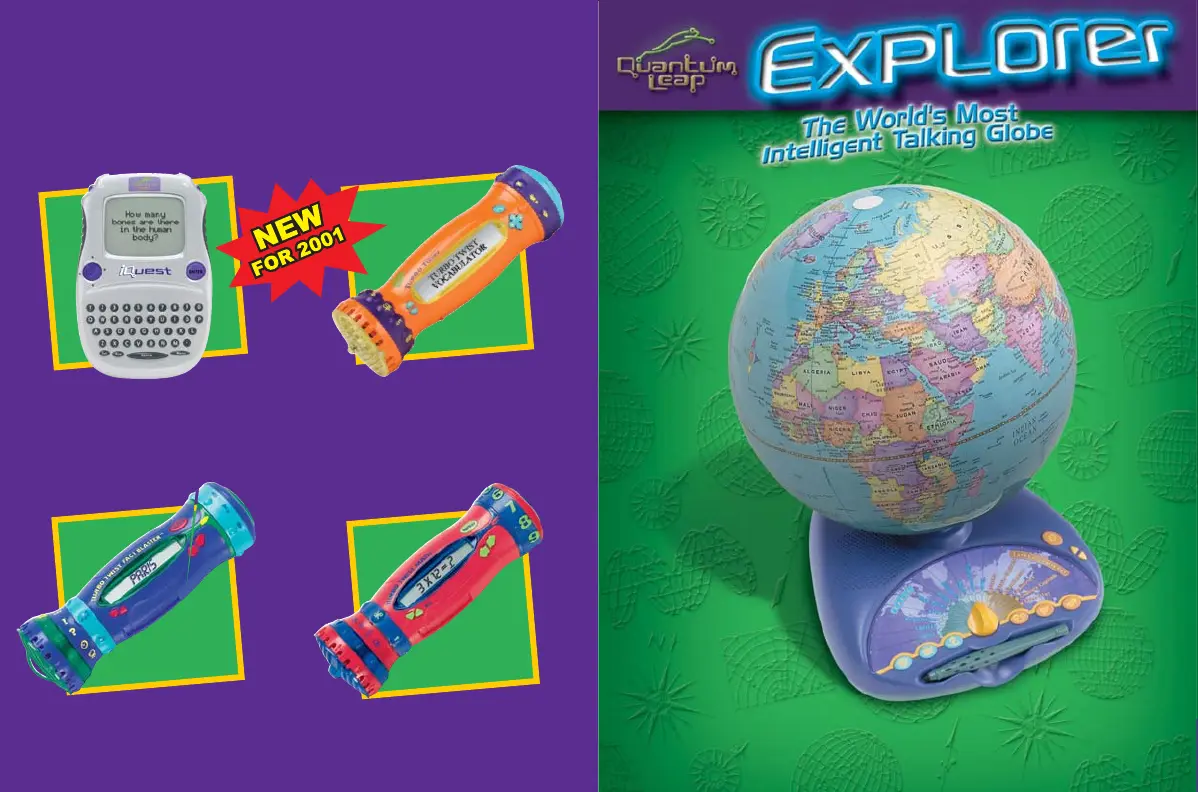
More fun learning toys
from LeapFrog!
Tu rbo Twist™ Fact Blaster
Tu rbo Twist™ Vocabulator
Tu rbo Twist™ Math
™
Part # 600-00504
iQuest™ handheld
™


 To Next Page
 Loading...