installed, allowing you to install and open the applications you need to
manage your wallets and to make transactions.
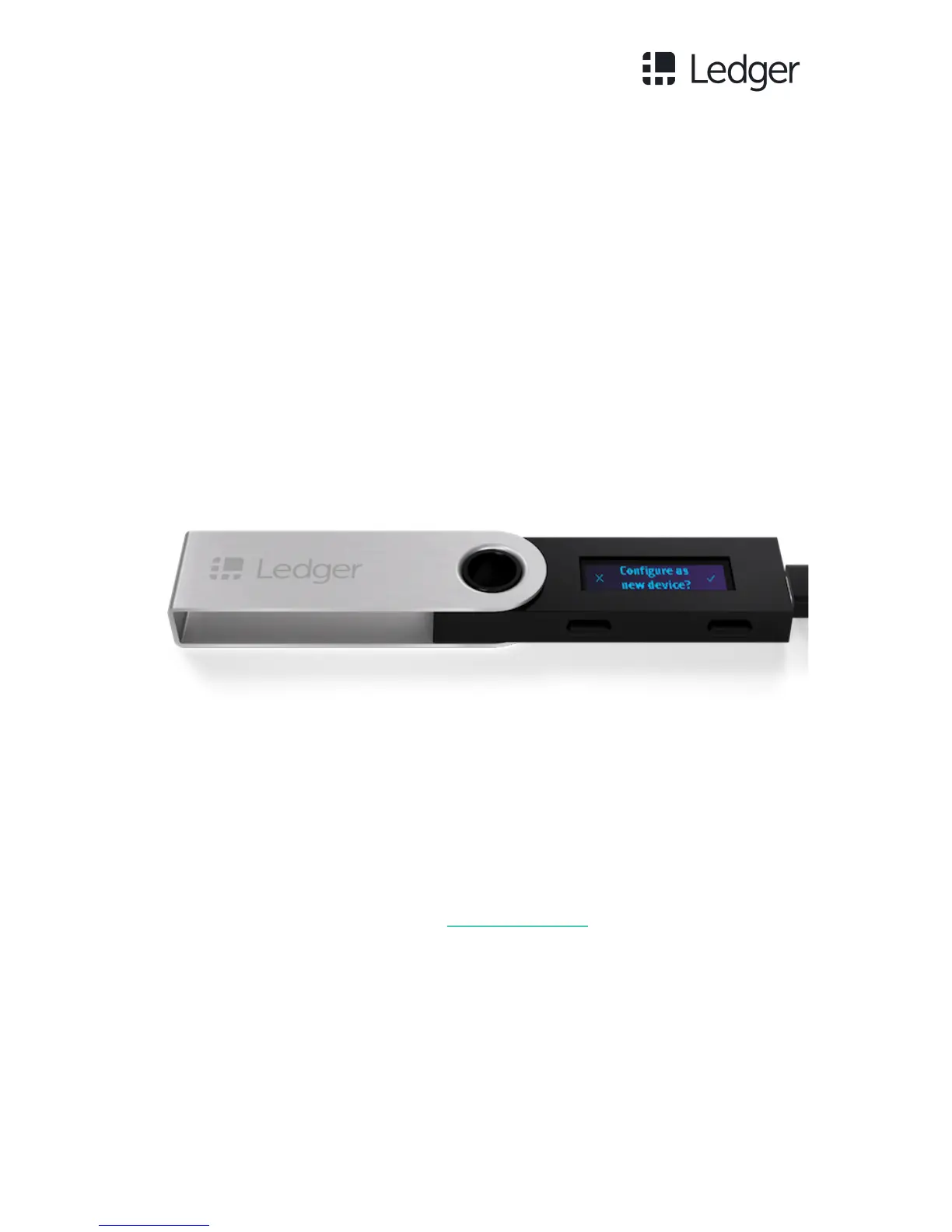
Step 1 - Connect the Ledger Nano S to your computer using the supplied USB
cable.
Step 2 - Press both buttons simultaneously as instructed on the Ledger Nano S
screen. You can then choose to:
- Initialize a new seed, a 24-word recovery phrase. Then select Configure
as new device? by pressing the right button located above the validation
icon;
OR
- Restore a configuration by importing an existing seed using a 12-, 18-
or 24-word sequence with which you have previously configured one or
more wallets. Press the left button. You will then be asked to restore a
configuration: Restore configuration? Validate by pressing the right button.
Follow the instructions on our restoration guide.



 To Next Page