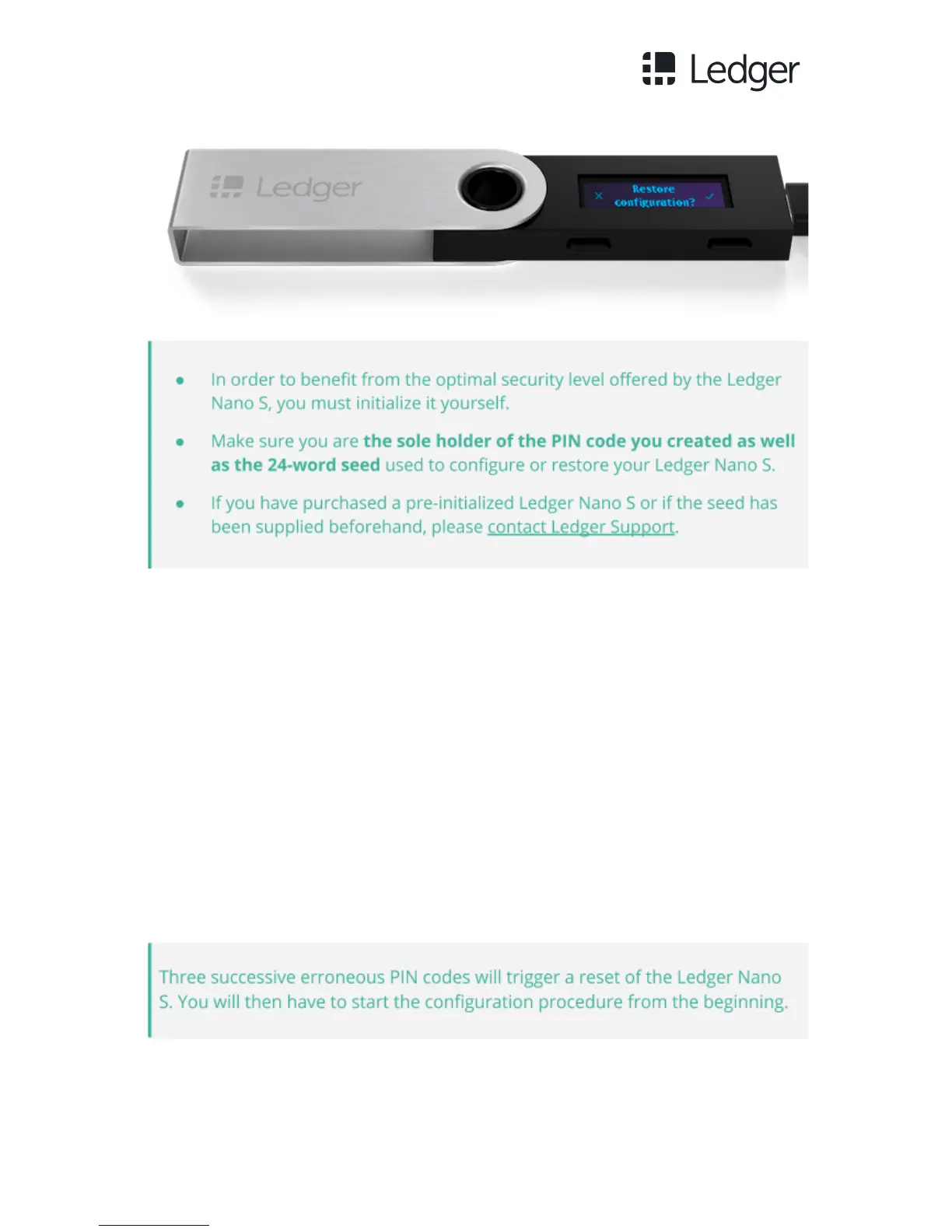
Step 3 - Choose a PIN code between 4 and 8 digits long.
● This code will be requested each time you start your Ledger Nano S.
● An 8-digit PIN code provides an optimum level of security.
● Depending on the firmware version installed on the Ledger Nano S, the
number of digits requested may vary:
- if version 1.1 or 1.2 is installed, you need to choose a 4-digit PIN code;
- if version 1.3 or higher is installed, you may select a 4-, 5-, 6-, 7- or 8-digit
PIN code.



 To Next Page